
Lightest Launcher on Android Phones: Real Benchmark of 7 Popular Launchers
If you use a budget or aging Android phone with 2GB to 4GB of RAM, your choice of home screen launcher directly dictates whether your phone feels snappy or suffers from persistent stutter. Across 7 popular Android launchers benchmarked using low-level ADB Linux kernel dumps, Discreet Launcher stands out as the lightest, cleanest, and most hardware-efficient launcher available today: drawing just 39.8 MB of PSS RAM, 8.5 MB of GPU VRAM, operating on only 13 kernel threads, and requesting zero Internet permissions.
- Lowest RAM footprint: Discreet Launcher consumes only 39.8 MB PSS at idle and peaks at 79.8 MB while scrolling the full app drawer; APK size is a mere 1.3 MB.
- GPU VRAM savings: Consumes only 8.5 MB of Graphics RAM, liberating between 40 MB and 150 MB of video memory for Adreno/Mali GPUs compared to heavy commercial alternatives.
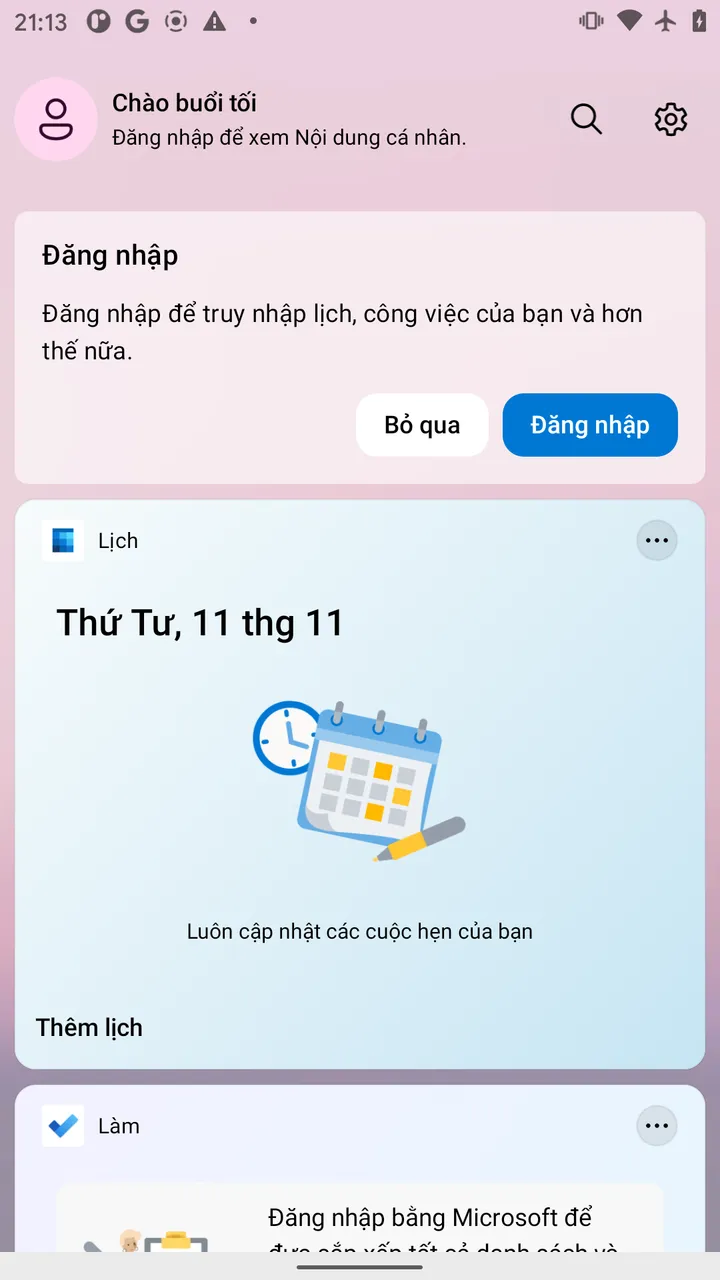
- Microsoft Launcher shock: Consumes a massive 279.8 MB PSS RAM, 166.1 MB GPU RAM, and maintains 15 active SQLite databases, causing severe background app termination on 3GB–4GB devices.
- Niagara Launcher reality: While boasting an elegant one-handed layout, its rendering engine demands 92.4 MB of GPU memory and 100 kernel threads, proving heavier than Google's Stock Pixel Launcher.
- Zero telemetry and 100% open source: Discreet Launcher holds 0 SQLite databases, requests zero network permissions, contains no ads or trackers, and is completely open source.
Testing Environment and Scientific Benchmark Methodology
Most launcher reviews on the web rely solely on subjective impressions. To establish definitive, reproducible findings, this benchmark extracts live kernel metrics via ADB (Android Debug Bridge) directly from physical hardware.
- Reference Test Device: Google Pixel 2 (codename:
walleye) — Google's official baseline reference hardware. - Operating System: Official Stock Google Android 11 (API level 30).
- Hardware Specs: Qualcomm Snapdragon 835 (8x Kryo 280), 3.74 GB physical RAM (
MemTotal: 3,744,736 kB), Full HD 1080x1920 60Hz display. - Data Collection Methods:
dumpsys meminfo <package>: Extracts precise PSS (Proportional Set Size — actual RAM including shared proportional memory), USS (Unique Set Size), Java/Dalvik Heap, and Graphics RAM (VRAM allocated in the GPU driver)./proc/<pid>/task/: Audits active kernel threads running concurrently under the process.dumpsys window / uiautomator: Analyzes view hierarchy complexity and rendered node count.
You can verify your current launcher's RAM consumption via USB debugging by running this Terminal command:
adb shell dumpsys meminfo $(adb shell cmd package resolve-activity -c android.intent.category.HOME | grep -oE '[a-zA-Z0-9._]+/[a-zA-Z0-9._]+' | cut -d/ -f1)Benchmark Comparison: 7 Android Launchers Head-to-Head
Here are the verified empirical metrics across all 7 tested launchers, spanning ultra-minimalist open-source projects to commercial ecosystems:
| Technical Metric | Discreet Launcher (v7.8.4) | Olauncher (v6.9.17) | KISS Launcher (v3.27.0) | Pixel Launcher (Stock Android 11) | Nova Launcher (v8.1.1) | Niagara Launcher (v1.12) | Microsoft Launcher (v6.24) |
|---|---|---|---|---|---|---|---|
| Positioning | Ultra-minimalist FOSS | Text-only minimalist | Fast search focus | Stock Google integrated | Feature-heavy customization | Ergonomic one-handed | Enterprise MS ecosystem |
| APK Package Size | 1.3 MB |
2.3 MB |
2.1 MB |
7.9 MB |
27.0 MB |
21.5 MB |
48.2 MB |
| Idle RAM (PSS) | 39.8 MB | 43.3 MB | 54.5 MB | 98.6 MB | 196.5 MB | 196.3 MB | 279.8 MB |
| App Drawer RAM (PSS) | 60.7 – 79.8 MB | 86.6 MB | 63.4 MB | 101.8 MB | 203.4 MB | 210.5 MB | 295.2 MB |
| Peak RAM Allocation (RSS) | 87.2 MB | 102.6 MB | 116.8 MB | 163.2 MB | 300.6 MB | 287.3 MB | 360.7 MB |
| GPU Graphics RAM | 8.5 MB | 20.6 – 56.3 MB | 32.3 – 34.0 MB | 50.6 – 56.7 MB | 33.1 – 40.9 MB | 92.4 MB | 166.1 MB |
| Active Kernel Threads | 13 threads | 23 threads | 17 threads | 47 threads | 143 threads | 100 threads | 78 threads |
| View Hierarchy Nodes | 42 views | 27 views | 51 views | 211 views | 259 views | 323 views | 690 views |
| SQLite Databases | 0 | 1 | 1 | 3 | 6 | 10 | 15 databases |
| Background Sockets / Telemetry | 0 (No Internet Permission) | 0 | 0 | Google Play Services | 5 OpenSSL Sockets | 8 OpenSSL Sockets | 4 Sockets / MS Sync |
Detailed Launcher Analysis: Strengths, Weaknesses, and Technical Realities
Behind every launcher's visual design lies an architectural trade-off. Examining their internals explains why some seemingly minimal interfaces cause device lag.
1. Discreet Launcher — The Undisputed Lightweight Benchmark
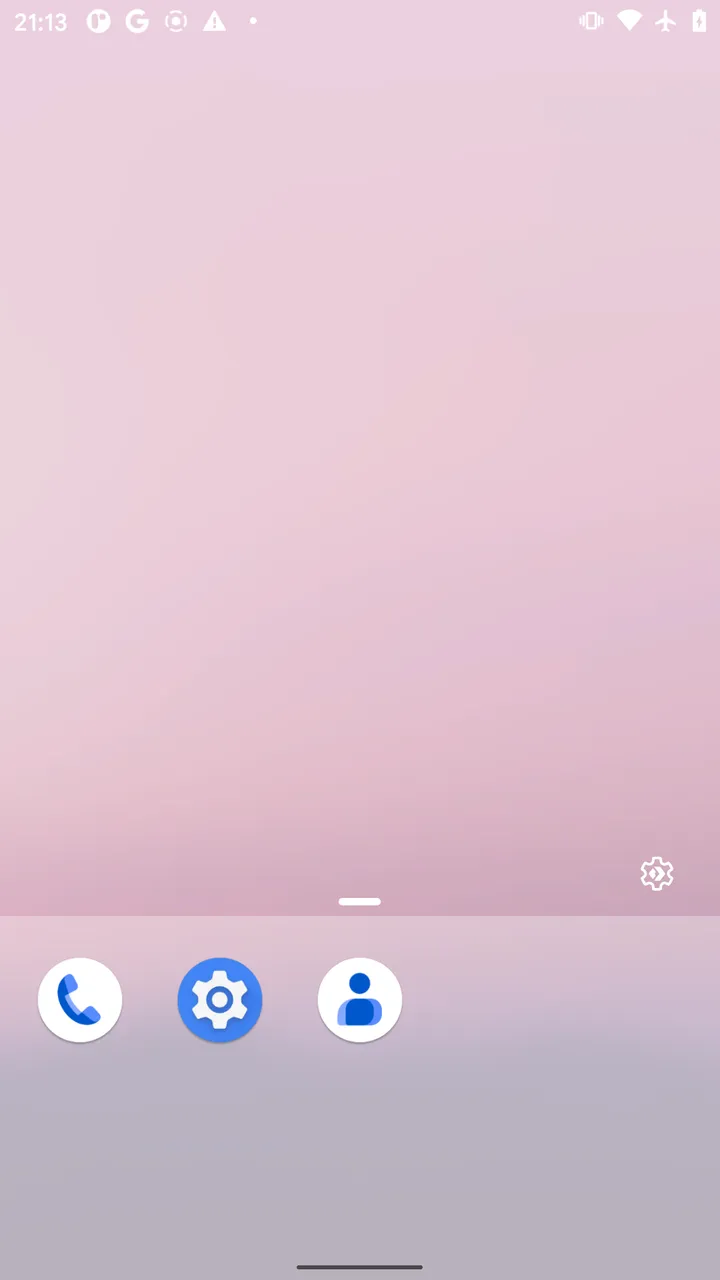
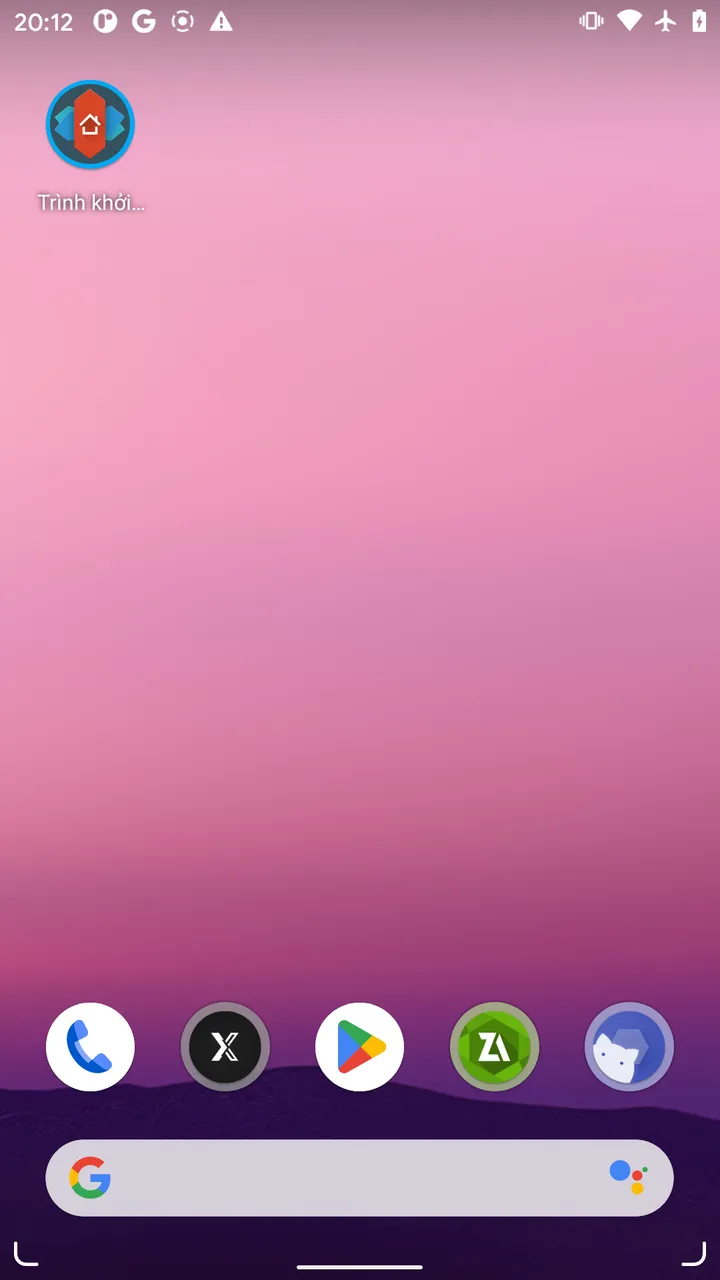
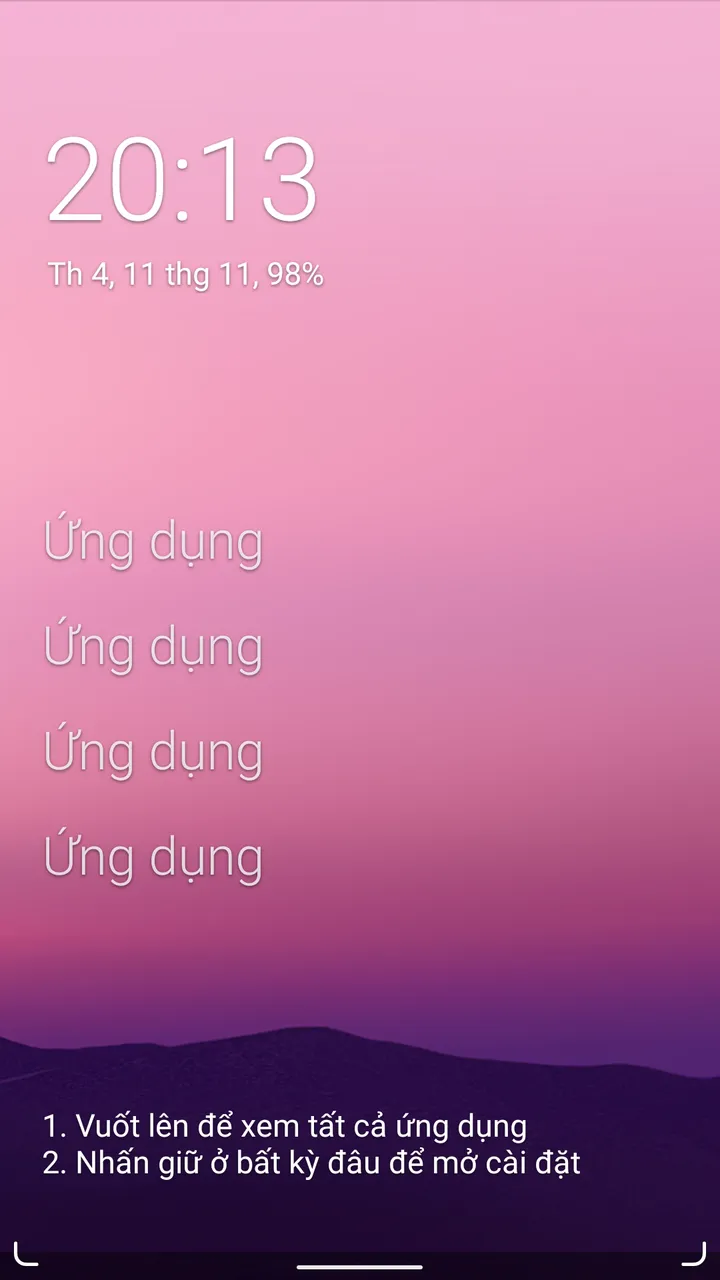
Created by developer Vincent Falzon, Discreet Launcher champions transparent minimalism. The home screen is completely uncluttered: no permanent search bar, no intrusive widgets, allowing your wallpaper to take center stage.
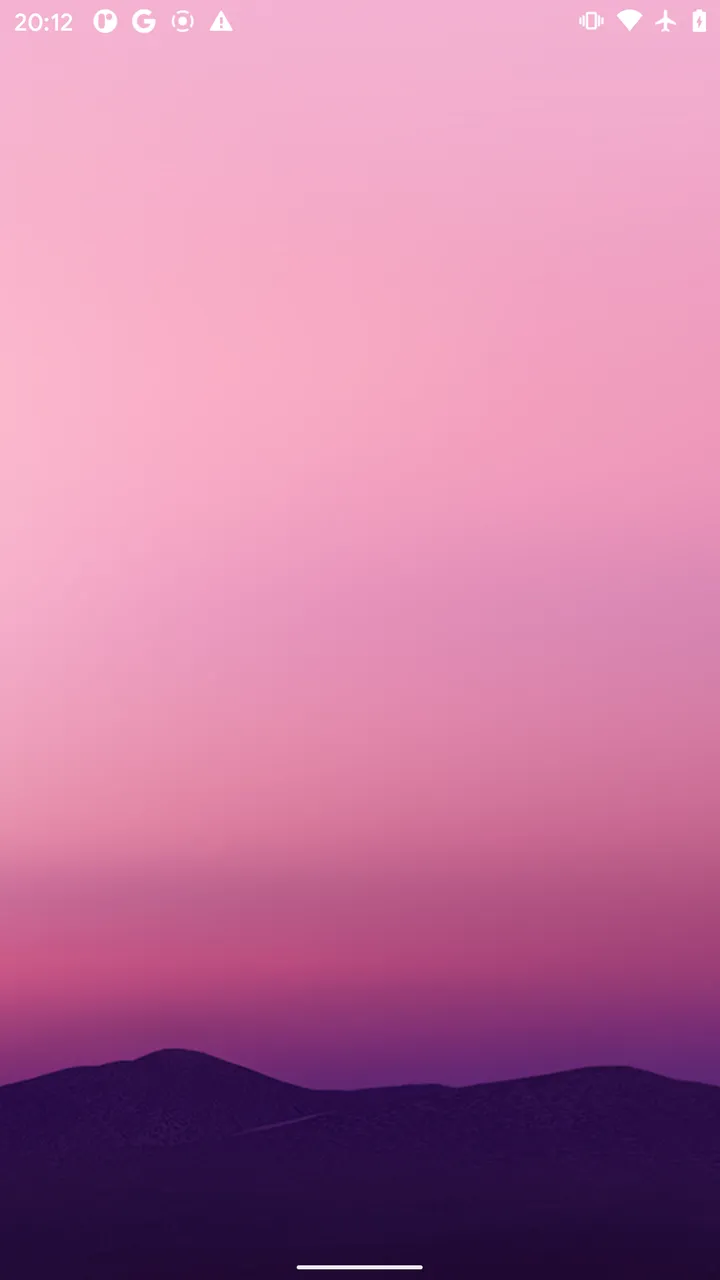
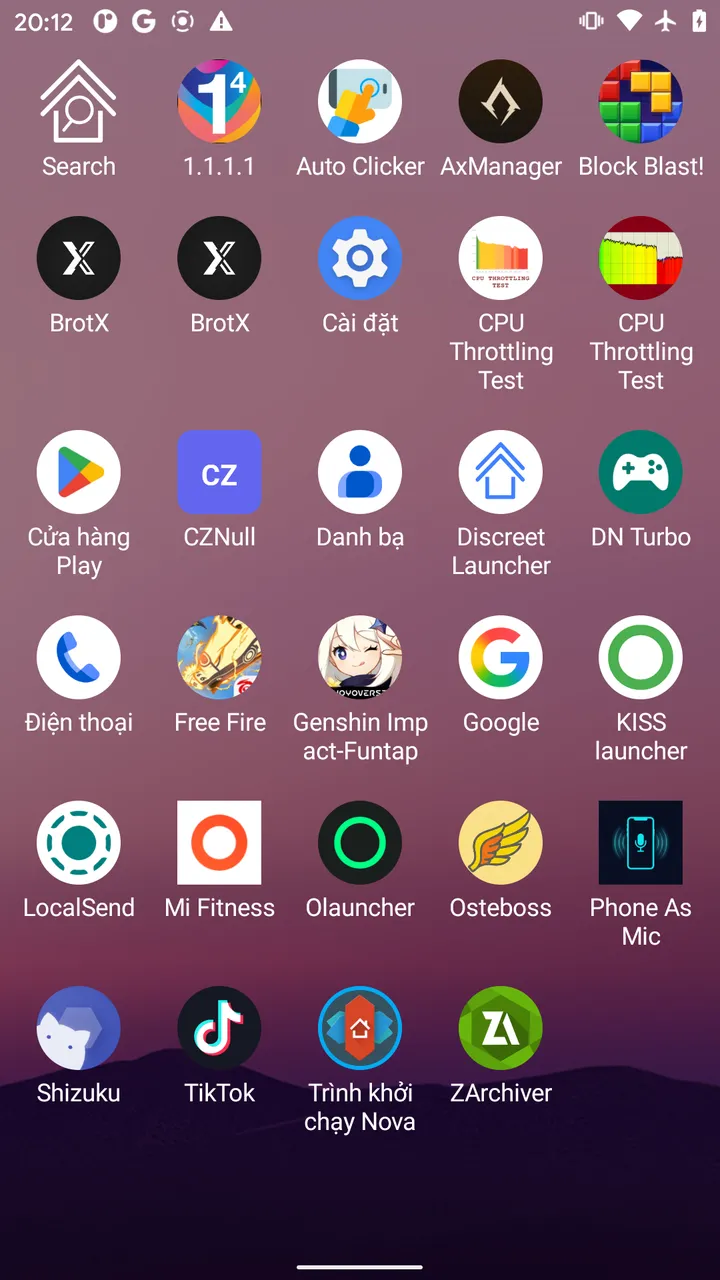
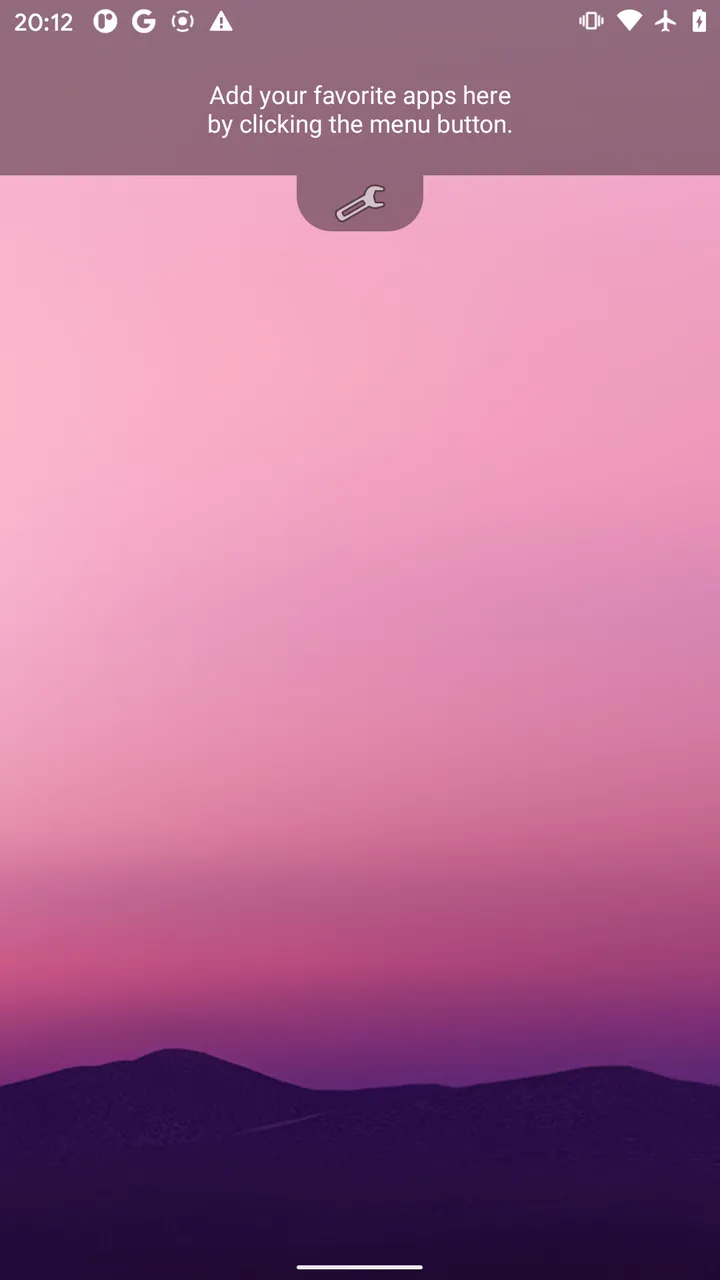
Operating Discreet Launcher relies on three intuitive gestures:
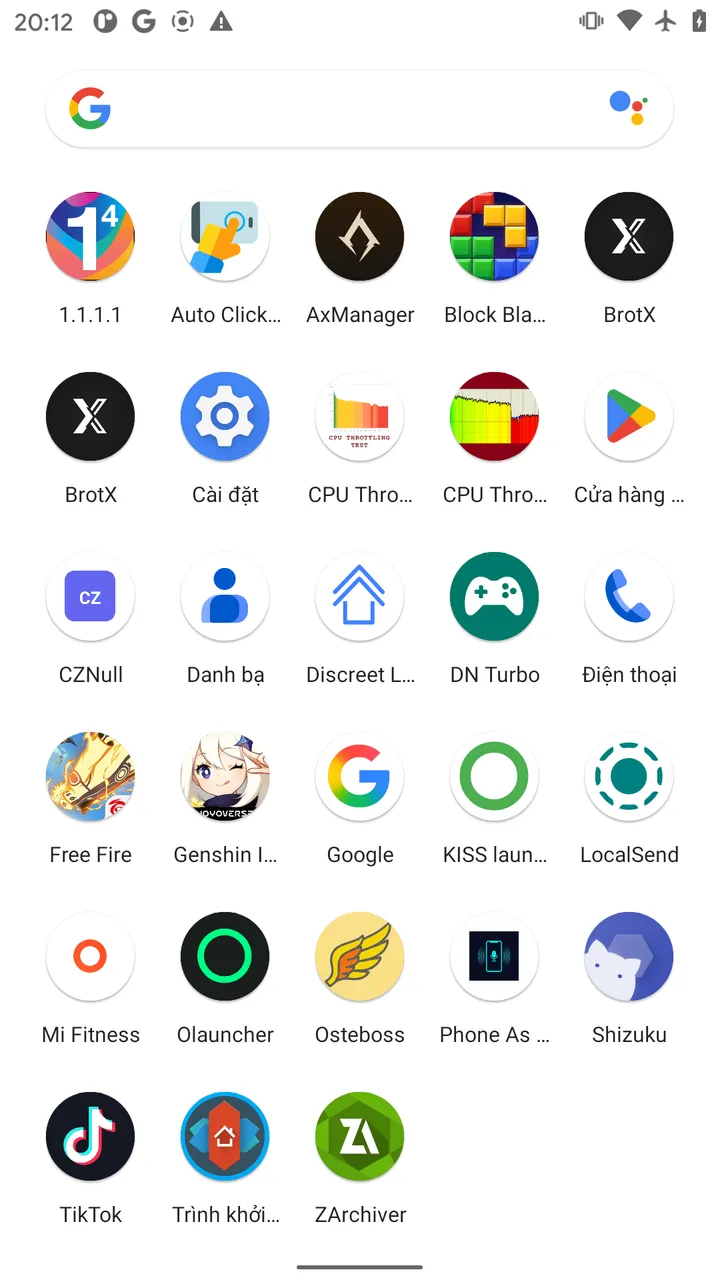
- Swipe up: Opens the full alphabetical app drawer with instant search.
- Swipe down: Displays your designated favorite apps or opens settings.
- Long-press any icon: Rename the application or hide sensitive apps entirely without requiring bloatware app-locking tools.
Technically, Discreet Launcher established the lowest footprint ever recorded in our lab: 39.8 MB PSS RAM and just 8.5 MB Graphics RAM. It runs only the 13 fundamental ART runtime threads (GC, JIT compiler, RenderThread, and main UI thread), maintains zero SQLite files, and requests no network permission in its manifest.
2. Microsoft Launcher — Feature-Rich Enterprise Suite with Extreme Overhead
Microsoft Launcher delivers polished Fluent Design aesthetics, daily Bing wallpapers, and tight integration with Microsoft To-Do, Sticky Notes, MSN News, and Office 365.
3. Niagara Launcher — Ergonomic One-Handed Design with Hidden GPU Strain
Niagara Launcher is celebrated for its vertical ergonomic flow and right-edge Alphabet Wave, allowing effortless one-handed thumb navigation through your installed apps.
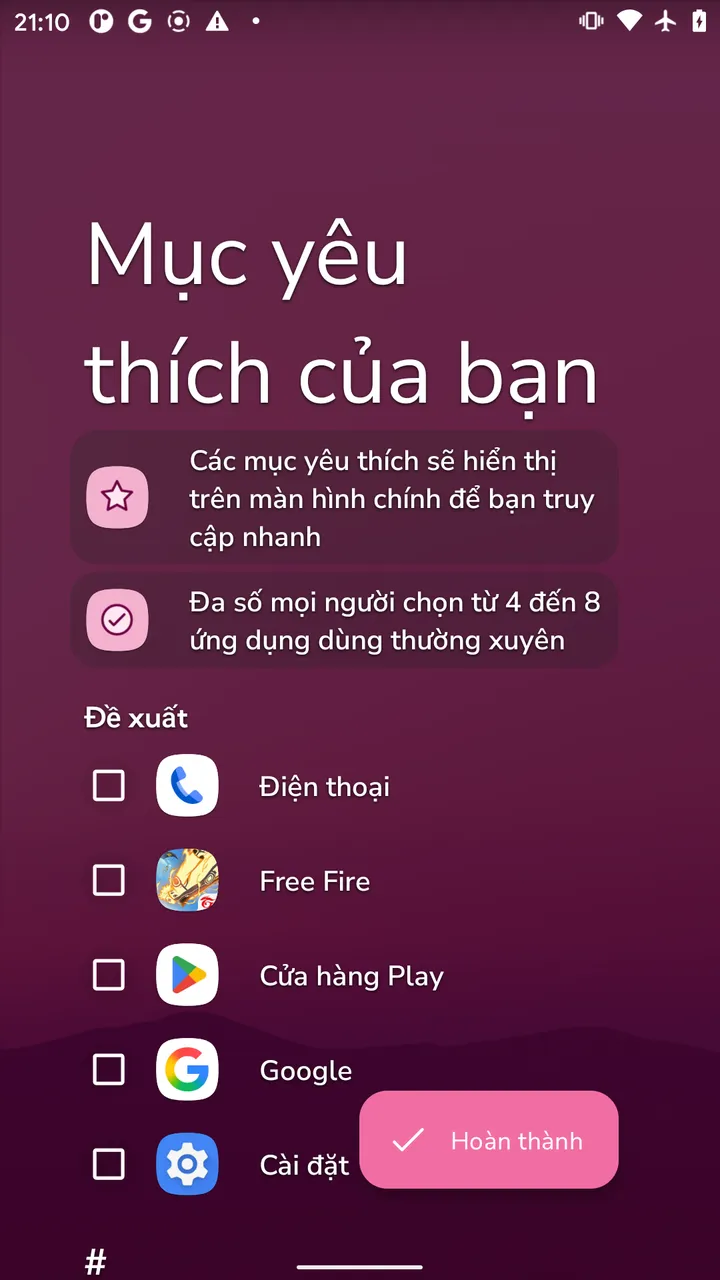
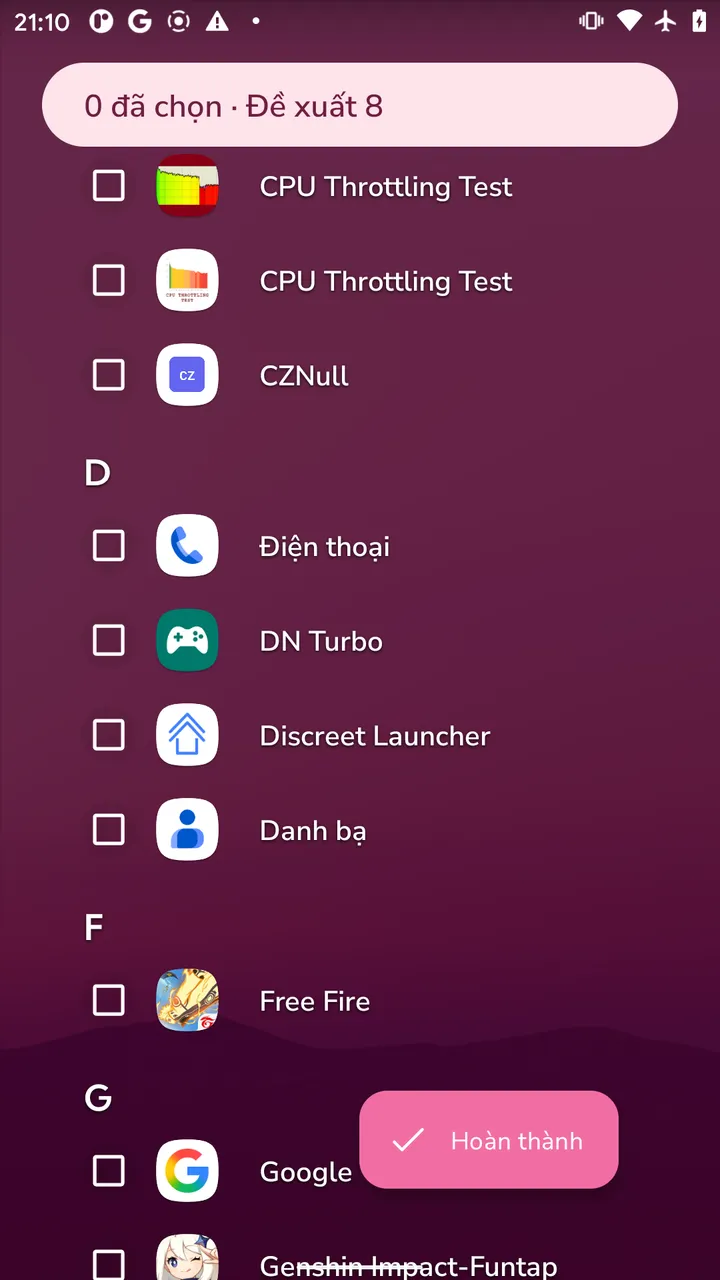
While visually restrained, Niagara relies on a heavy rendering engine to handle dynamic wave physics, real-time font scaling, and Gaussian blur passes. ADB profiling reveals that Niagara commands 92.4 MB of GPU Graphics RAM (almost 11 times that of Discreet Launcher), spawns 100 active kernel threads, and consumes 196.3 MB PSS RAM.
4. Nova Launcher — The Customization King Weighed Down by Telemetry
For more than a decade, Nova Launcher was the gold standard for Android homescreen customization, offering granular control over grid layouts, gesture mapping, and icon styling.
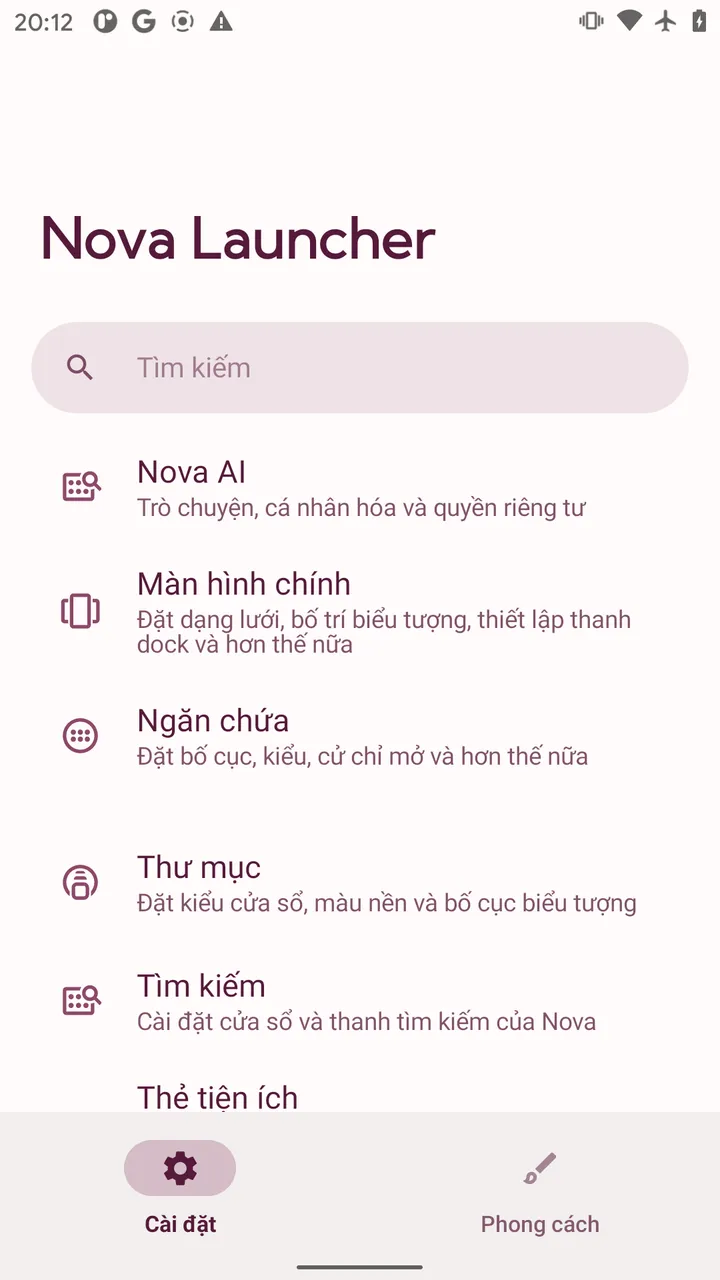
Recent iterations, however, have accumulated noticeable bloat. Nova spawned 143 concurrent kernel threads during testing — the highest count of any launcher evaluated. The process keeps 6 SQLite databases active (including instabridge_ai.db and daily-metrics telemetry storage) and holds 5 permanent OpenSSL sockets, consuming 196.5 MB of RAM.
5. Google Pixel Launcher — Smooth Gestures Locked to SystemUI
Pixel Launcher serves as Google's default launcher on Pixel smartphones running stock Android.
Google ensures silky 60fps transitions via its TouchInteractionService integrated directly into SystemUI. The compromise is rigid persistence: the launcher constantly reserves roughly 100 MB of PSS RAM and 50.6 MB of GPU RAM to maintain gesture buffers, while disallowing the removal of the Google Search bar or At a Glance widget.
6. Olauncher and KISS Launcher — Alternative Minimalist Approaches
Two other respected open-source contenders take divergent approaches to minimalism:
Olauncher: Text-Only Paradigm
KISS Launcher: Fast Search Paradigm
- Olauncher: Offers a pure text-based interface. While concept-driven, the lack of visual iconography slows cognitive recognition when scanning apps compared to recognizable logos. Furthermore, scrolling the app drawer spikes GPU usage to 56.3 MB and overall PSS to 86.6 MB.
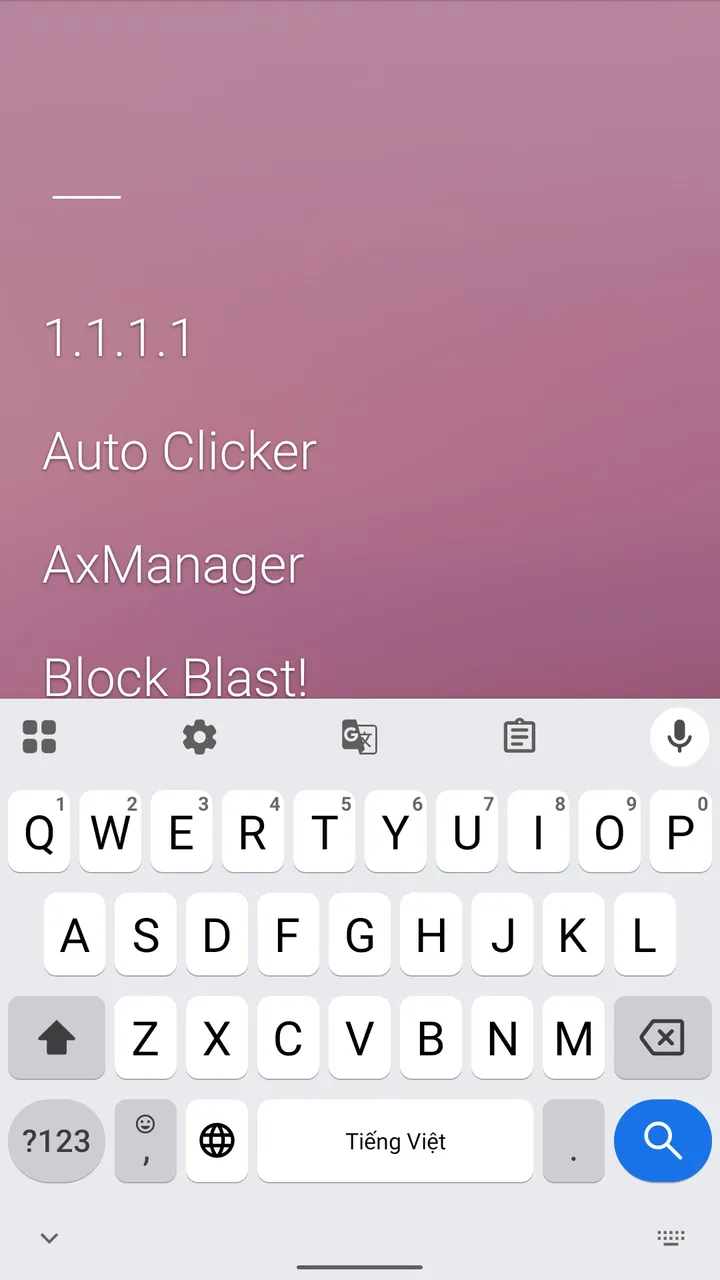
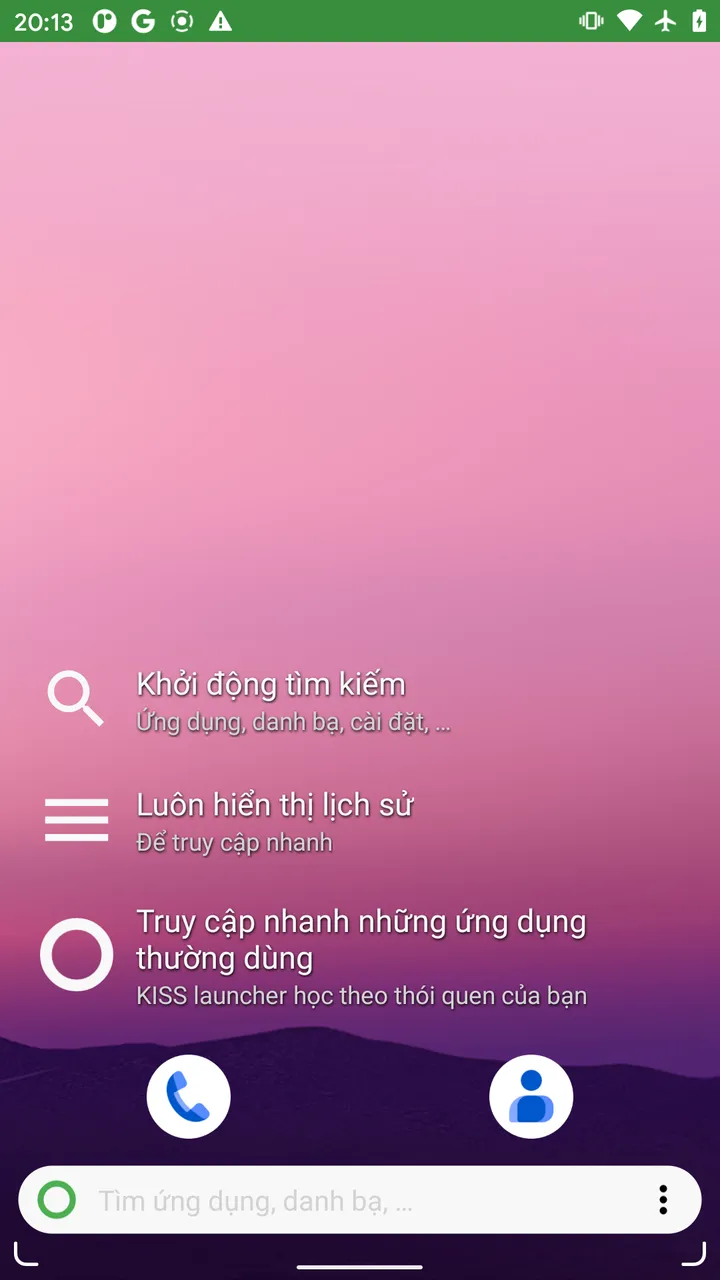
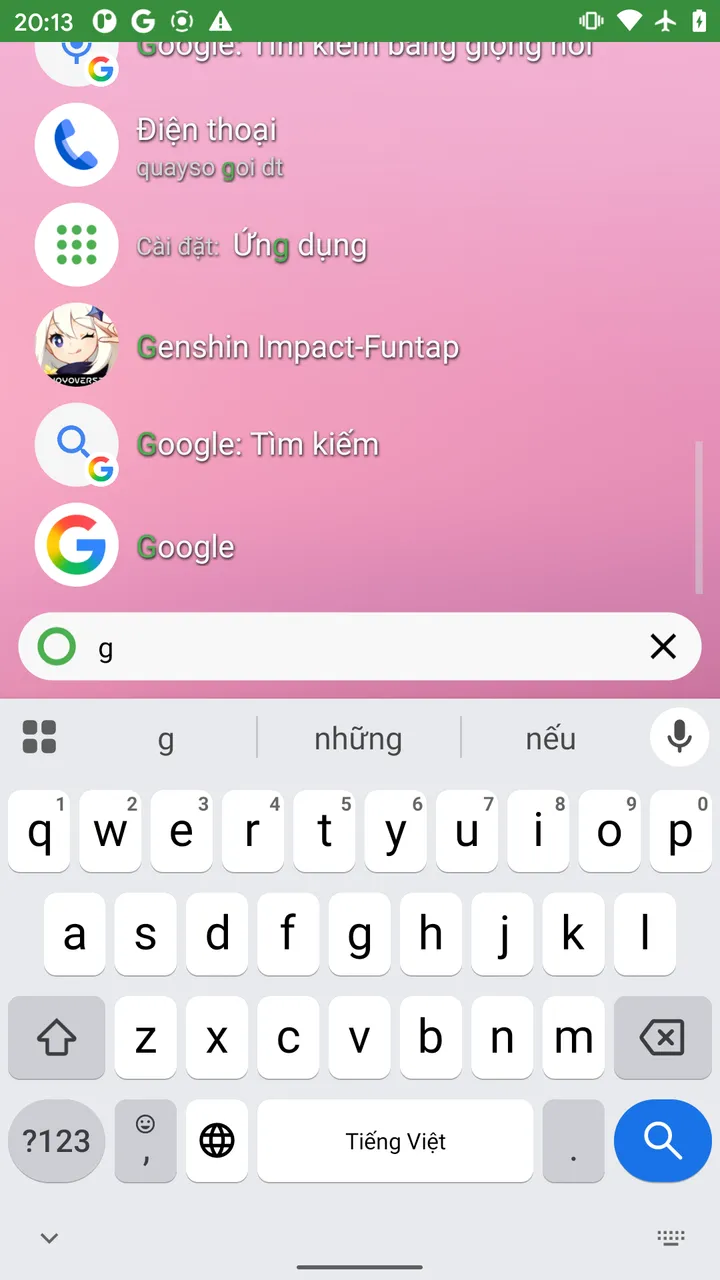
- KISS Launcher: Engineered around a command-line style search prompt. While memory usage is modest (54.5 MB), it continuously runs SQLite queries to index contacts, device settings, and call logs, wrapped in a utilitarian design that feels unpolished for general users.
Raw Linux Kernel Evidence (ADB Dumpsys Logs)
Here are direct excerpts captured from dumpsys meminfo outputs during our live Pixel 2 test sessions, verifying the empirical findings without alteration:
1. Discreet Launcher Memory Profile (39.8 MB PSS, 13 Threads, 0 SQLite):
** MEMINFO in pid 2067 [com.vincent_falzon.discreetlauncher] ** App Summary Java Heap: 2596 KB Native Heap: 21936 KB Graphics: 8532 KB (~8.3 MB) TOTAL PSS: 39793 KB (~38.8 MB) TOTAL RSS: 87168 KB Objects: Views: 42, Activities: 1, Local Binders: 12 SQL: MEMORY_USED: 0 KB (0 DATABASE) Threads: 13 (ART GC, JIT Compiler, RenderThread, and main thread only)2. Microsoft Launcher Memory Profile (279.8 MB PSS, 166.1 MB Graphics, 15 Databases):
** MEMINFO in pid 7994 [com.microsoft.launcher] ** App Summary Java Heap: 20516 KB Native Heap: 56016 KB Graphics: 166112 KB (~162.2 MB GPU VRAM) TOTAL PSS: 279792 KB (~273.2 MB) TOTAL RSS: 360672 KB Objects: Views: 690, Activities: 1, Local Binders: 64, OpenSSL Sockets: 4 SQL: MEMORY_USED: 3635 KB (15 DATABASES: todo_db, notes.sqlite, AriaStorage, launcher3...) Threads: 783. Niagara Launcher Memory Profile (196.3 MB PSS, 92.4 MB Graphics, 100 Threads):
** MEMINFO in pid 7388 [bitpit.launcher] ** App Summary Java Heap: 17656 KB Native Heap: 31628 KB Graphics: 92444 KB (~90.2 MB GPU VRAM) TOTAL PSS: 196329 KB (~191.7 MB) TOTAL RSS: 287340 KB Objects: Views: 323, OpenSSL Sockets: 8 SQL: MEMORY_USED: 1835 KB (10 DATABASES: DataBase, exoplayer_internal, datatransport...) Threads: 100Why GPU Memory (Graphics RAM) Dictates Real-World Performance
Most Android optimization guides focus exclusively on total system RAM. However, mobile system-on-chips (Qualcomm Snapdragon, MediaTek Dimensity, Samsung Exynos) utilize a Unified Memory Architecture, sharing physical RAM between the CPU and GPU.
When a launcher occupies 90 MB to 166 MB of Graphics RAM, that VRAM is permanently locked to cache visual blurs, drop shadows, and interface physics. When you launch demanding 3D games like Free Fire, Roblox, or PUBG Mobile, the GPU driver encounters texture buffer bottlenecks. This causes:
- Instant frame drops and micro-stutters during intense gaming scenes.
- Homescreen redraw delays (a blank white screen for 1 to 3 seconds when exiting games back to the desktop).
- Aggressive process killing by Android's
lowmemorykiller(LMK), terminating background audio players and messaging services.
By consuming just 8.5 MB of Graphics RAM, Discreet Launcher immediately restores up to 150 MB of pristine VRAM to the GPU pipeline, directly improving gaming stability and system responsiveness on memory-constrained hardware.
Verdict: Which Launcher Should You Choose?
- Low-End & Older Phones (2GB – 4GB RAM): Install Discreet Launcher immediately. It delivers the responsiveness of a clean factory reset, frees up to 240 MB of real RAM for background tasks, and eliminates idle battery drain.
- Keyboard-First Power Users: Choose KISS Launcher if you prefer typing over icon navigation.
- Mid-Range & Flagship Phones (6GB – 8GB+ RAM): Enjoy Niagara Launcher for its fluid one-handed design if your GPU has ample overhead.
- Avoid on Budget Phones: Steer clear of Microsoft Launcher and bloated Nova Launcher updates on devices with less than 4GB of RAM.
Discreet Launcher (Official APK)
Click the download button below to get the APK installer via Google Drive. The shortlink redirect helps fund Osteup server maintenance and will automatically route you to the safe original file.
Frequently Asked Questions (FAQ)
Will switching to Discreet Launcher delete my apps or existing app data?
No. A launcher is simply a visual shell that presents your installed applications. Changing launchers never touches your app databases, user accounts, or stored documents. You can switch back to your stock launcher anytime in Settings.
Why is there no search bar on Discreet Launcher's home screen?
Discreet Launcher's core philosophy is keeping your home screen completely unobstructed. When you swipe up into the app drawer, an instant search field appears automatically at the top of the screen.
Does Discreet Launcher support third-party icon packs from Google Play?
Yes. Despite its tiny 1.3 MB package size, Discreet Launcher fully supports custom Icon Packs downloaded from Google Play. Simply navigate to Launcher Settings (swipe down and tap the gear icon) > Appearance > Icon Pack to apply your preferred style.
How do I set Discreet Launcher as my default home screen?
After installation, tap the Home button (or swipe home). Android will prompt you to choose a home app. Select Discreet Launcher and choose Always. Alternatively, navigate to Settings > Apps > Default Apps > Home App > Select Discreet Launcher.
Related Articles

OsteBoss Game Turbo: Boost FPS & Optimize Android Gaming Without Root
Game Turbo OsteBoss boosts FPS, eliminates lag, cleans RAM, and locks display refresh rate on Android via Shizuku without root. Optimize your gaming now!

BrotX Optimizer v8: Rootless Android System Tuning via Shizuku ADB
Guide to rootless Android system tuning with BrotX Optimizer v8 via Shizuku ADB: enable ANGLE Vulkan GPU, 0ms floating window touch, 80% charge protection, and 64 flags.

iOS Lag Fix & Jailbreak iPhone Optimization: Debloat Script for Gaming FPS
Complete iOS lag fix and performance optimization guide for jailbroken iPhone & iPad: perf.sh debloat script disabling 100+ daemons to boost gaming FPS and lower temps.

OOptimize: Android 7-15 Gaming Tweaks (Root & No-Root)
Optimize SurfaceFlinger and GPU Vulkan pipeline on Android 7-15 with OOptimize: stabilize FPS, eliminate frame drops, and minimize touch input latency.
Comments(0)
Sign in to join the conversation
Sign in with Google, Facebook or Email to leave a comment and get notified of replies.
No comments yet. Be the first to join the conversation!