
RAM Purger: Stop Background Processes & Boost Android Gaming Like iPhone

Many Android devices equipped with 8GB to 12GB of RAM still experience micro-stutters during heavy multitasking, standby battery drain, and occasional frame drops during gaming. The underlying cause is rarely insufficient hardware, but rather aggressive background services spawned by social media and e-commerce apps that continuously occupy memory and prevent the CPU from entering deep sleep. This guide provides RAM Purger (frozen.sh) – an automated shell script that thoroughly freezes idle background services and reclaims full memory bandwidth for your active games and tasks, without requiring root access.
- Core Purpose: Completely freeze redundant background processes, allocating 100% of RAM and CPU cycles to foreground tasks and gaming.
- Mechanism: Uses the native Android framework command
am force-stop, performing the equivalent of manual "Force Stop" across 400+ apps in a single second. - Safety Profile: Zero data loss, preserves login credentials, leaves the
/systempartition untouched, and carries no brick risk. - Compatibility: Fully compatible with Android 7.0 through Android 15 via Shizuku, Brevent, LADB, or Termux without unlocking the bootloader.
1. Normal Multitasking vs. RAM Purger Cleaning
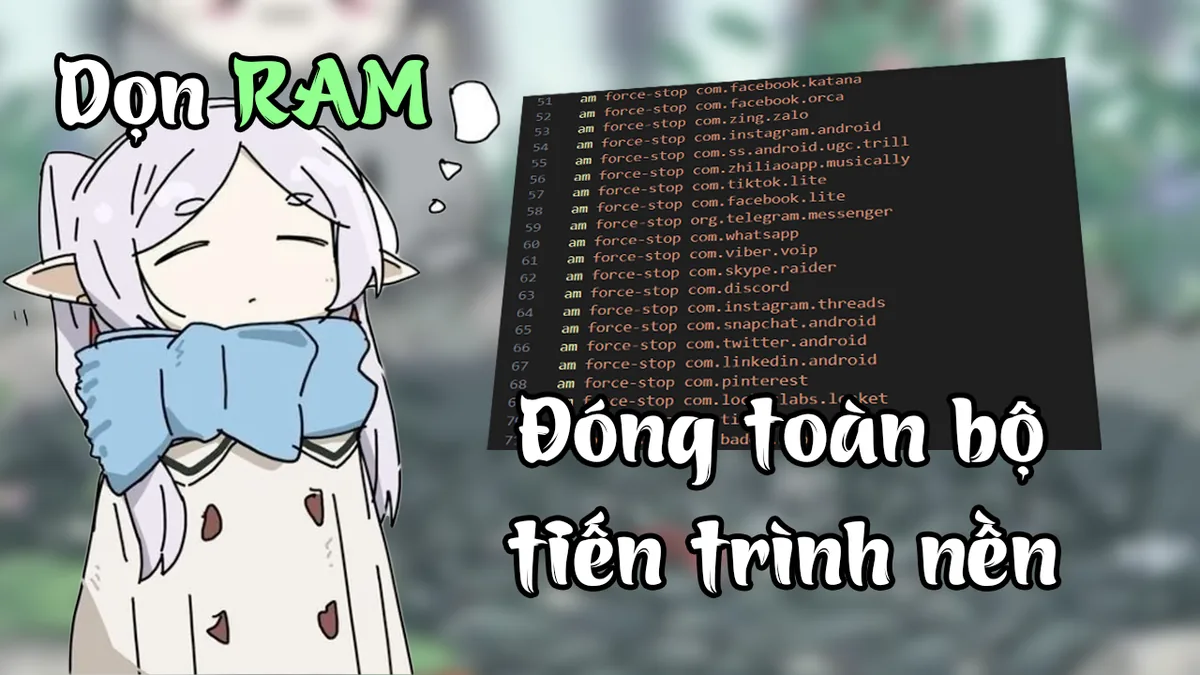
A common misconception among Android enthusiasts is looking for "multitasking fixers" to keep apps in memory indefinitely. When gaming or pushing hardware to its limit, keeping bloated apps loaded in RAM is precisely what introduces jitter:
- Standard Multitasking: Retains app states in RAM for faster re-opening, but simultaneously allows background services to run and query network servers.
- RAM Purger: Enforces an aggressive cleanup policy. Once executed, it terminates all targeted background services, clearing their allocated memory and preventing background wakeups until you explicitly tap their app icons again.
2. Real-World Performance Benefits
Terminating idle background processes delivers three tangible, measurable advantages:
- Full Resource Dedication to Games: Demanding titles like Genshin Impact, PUBG Mobile, or Wild Rift receive dedicated CPU cycles without background interruptions, eliminating micro-stutters caused by RAM paging.
- Extended Standby Battery Life: With zero background heartbeat calls, the CPU drops to its lowest frequency tier and remains in uninterrupted Deep Sleep mode overnight.
- Reduced Thermal Generation: Fewer active threads lower total SoC power dissipation, postponing thermal throttling during extended gameplay sessions.
3. Technical Principle: Why am force-stop Is Safe
RAM Purger avoids destructive methods such as kill -9 that can corrupt SQLite databases. Instead, it interacts directly with Android's Activity Manager:
am force-stop <package_name>This command instructs the OS to gracefully tear down process trees, close sockets, and unregister broadcast receivers. All application settings, caches, and authentication tokens remain safely stored in internal storage.
4. Performance Benchmark: Before vs. After RAM Purger
Tested on an Android 12 device equipped with 8GB RAM running 80 typical applications:
| Metric | Default State (Before) | After RAM Purger | Improvement |
|---|---|---|---|
| Free RAM Capacity | 1.8 GB – 2.2 GB | 4.6 GB – 5.1 GB | +120% available memory |
| Active Background Processes | 65 – 78 processes | 12 – 15 core system tasks | ~80% reduction in background tasks |
| Overnight Idle Battery Drain (8 hrs) | 4% – 7% | 1% – 2% | Significant standby improvement |
| Gaming FPS Stability | ±8 FPS dips during notifications | Completely flat framerate curve | Eliminates micro-stuttering |
5. Step-by-Step Activation (No Root Required)
You can execute the script using modern rootless shell tools like Brevent, Shizuku, LADB, or Termux:
- Step 1 - Prepare Script File: Download
frozen.shfrom the download card below to your device storage. It is a plain-text shell script you can inspect with any text viewer. - Step 2 - Customise Protected Packages (Optional): Open
frozen.shin a text editor. If you rely on real-time notifications from apps like WhatsApp or Messenger, locate lines containingcom.whatsapporcom.facebook.orcaand remove them before running. - Step 3 - Execute Script: Open your shell app (such as Brevent or LADB) and paste the execution command:
sh /sdcard/Download/frozen.shWithin 1 to 2 seconds, all background tasks of listed apps will terminate cleanly.
6. Official Script Download Card
RAM Purger Script (frozen.sh)
Automated rootless shell script terminating 400+ background app services to maximize RAM headroom and stabilize gaming FPS on Android.
7. Important Operational Notes
com.android.systemui), Phone Dialer (com.android.dialer), or your Home Launcher to prevent UI reloads.
- Cold Start Behavior: Opening frozen applications afterwards will require 1 to 2 seconds of additional load time as the OS launches them from scratch.
- Push Notifications: Stopped applications will not receive push notifications until reopened.
8. Catalog of 400+ Supported Apps by Category
The bundled script provides categorization across verified app package groups:
Social Media & Communication
Covers Facebook (com.facebook.katana), Messenger (com.facebook.orca), Instagram (com.instagram.android), TikTok (com.ss.android.ugc.trill), Telegram (org.telegram.messenger), WhatsApp (com.whatsapp), Discord (com.discord), X / Twitter (com.twitter.android), and more.
Shopping & E-Commerce
Covers Shopee, Lazada, Tiki, Amazon Shopping, AliExpress, and local delivery applications.
Finance & Banking
Covers mobile banking apps and digital wallets (MoMo, ZaloPay, Viettel Money, PayPal).
Popular Games (MOBA, Shooters, RPG)
Covers Arena of Valor, Free Fire, PUBG Mobile, League of Legends: Wild Rift, Genshin Impact, Roblox, and Honkai: Star Rail.
OEM Manufacturer Bloatware (Samsung, Xiaomi, Oppo, Vivo)
Covers MIUI Analytics, MSA, Samsung Bixby services, HeyTap Browser background telemetry, and Vivo Game Center components.
9. Frequently Asked Questions (FAQ)
Will running RAM Purger erase login sessions or saved app data?
No. The am force-stop command behaves identically to pressing "Force Stop" in Android App Settings. Account credentials, offline files, and application caches remain completely intact.
Does the script restart automatically after a device reboot?
No. RAM Purger is an on-demand utility that you trigger manually whenever extra performance is required.
Can this script be used on non-rooted devices?
Yes. You can execute it via Shizuku, Brevent, or LADB over Wireless Debugging (available on Android 11+), or by running a single command via ADB shell connected to a PC.
Related Articles

BrotX Optimizer v7: Rootless Android System Tuning via Shizuku ADB
Guide to rootless Android system tuning with BrotX Optimizer v7 via Shizuku ADB: enable ANGLE Vulkan GPU, 0ms floating window touch, 80% charge protection, and 58 flags.

iOS Debloat Script: Optimize Performance, Battery Life and Gaming FPS on Jailbroken iPhone
Complete guide to perf.sh iOS debloat script disabling 100+ telemetry and background daemons to reclaim RAM, eliminate thermal throttling, and boost gaming FPS.

OOptimize: Android 7-15 Gaming Tweaks (Root & No-Root)
Optimize SurfaceFlinger and GPU Vulkan pipeline on Android 7-15 with OOptimize: stabilize FPS, eliminate frame drops, and minimize touch input latency.

How to Lower Screen Resolution on Android for Maximum Gaming FPS
Step-by-step guide to downscale Android screen resolution without root: cut GPU load by up to 50%, prevent thermal throttling, and boost gaming FPS.
Comments(0)
Sign in to join the conversation
Sign in with Google, Facebook or Email to leave a comment and get notified of replies.
No comments yet. Be the first to join the conversation!