
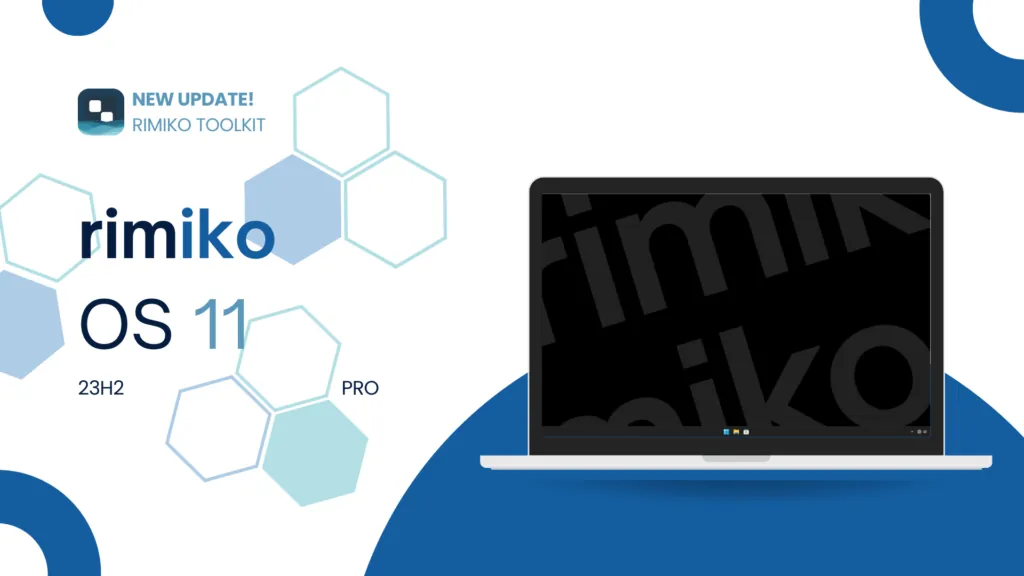
RimikoOS 11 PRO: Lightweight Windows 11 Lite OS for Low-End PCs & Gaming

Standard Windows 11 installations from Microsoft typically consume between 3.5 GB and 4.5 GB of RAM right after booting up. That overhead comes from aggressive telemetry services, an unavoidable Microsoft Edge presence, and preinstalled bloatware packages. RimikoOS 11 PRO is a tailored lightweight Windows build crafted by the Rimiko Development Community in collaboration with Mooniebluring. Built directly on top of Windows 11 Pro 23H2 (Build 22631.4112), this custom ISO strips away unnecessary background weight to free up CPU and memory headroom for budget hardware and competitive gaming setups.
- Base Platform: Windows 11 Pro Version 23H2, OS Build 22631.4112, 64-bit architecture (x64), default en-US locale.
- Background Service Optimization: Telemetry and automated diagnostic feedback are fully disabled. Edge is uninstalled, and Windows Update is suspended until the year 2200 to prevent sudden frame drops.
- Security Configurations: Two distinct editions are available: No Defender for absolute low latency and Defender for users requiring default antivirus protection.
- Broad Compatibility: Full support for Microsoft Store and UWP titles, integrated Windows Search, and developer tools including WSL (Windows Subsystem for Linux).
- Built-in Rimiko Toolkit: A lightweight utility dashboard that provides quick, one-click installers for popular third-party web browsers.
- Installation Requirement: Cannot be installed by double-clicking
setup.exeinside an existing Windows environment. A fresh clean install using Rufus or WinToHDD is mandatory.
1. Technical Specifications of RimikoOS 11 PRO
Extracted from an official enterprise-grade release, this edition preserves essential operating system components while cutting telemetry overhead:
| Specification | Details | Impact on System Performance |
|---|---|---|
| Operating System Edition | Windows 11 PRO | Includes full Group Policy editor (gpedit.msc) and advanced network features. |
| Release Version | Version 23H2 | Modern, stable branch compatible with current game anti-cheat and runtime drivers. |
| OS Build Number | 22631.4112 | Pre-patched with core Microsoft performance improvements and hotfixes. |
| CPU Architecture | x64 (64-bit) | Full utilization of modern instruction sets and large memory pools. |
| System Language | en-US (English United States) | Clean base install; additional international language packs can be added post-install. |
| ISO Image Size | Approximately 5.6 GB | Complete offline installation payload including bundled system utilities. |
Verified build output in terminal diagnostics:
OS build : 22631.4112Edition : PROVersion : 23H2Arch : x64Lang : en-US2. Core System Tweaks & Feature Highlights
RimikoOS 11 PRO directly targets the common culprits responsible for high idle resource consumption:
- Eliminated Telemetry & Diagnostic Tracing: Silences background logging, user activity telemetry, and error crash dumps heading to Microsoft remote endpoints.
- Trimmed Background Services: Shuts down dozens of non-essential Windows services, significantly reducing idle process counts and improving boot times.
- Windows Update Deferred to 2200: Blocks unexpected automatic updates from hogging network bandwidth, causing disk thrashing, or breaking graphics drivers mid-game.
- Complete Microsoft Edge Removal: Reclaims disk space and stops background WebView instances from lingering in memory.
- Intact Windows Search & UWP Support: Keeps taskbar search responsive and maintains standard compatibility with Xbox services and Microsoft Store apps.
- Ready for Developers: Supports the Windows Subsystem for Linux (WSL) and programming toolchains like Visual Studio Code, Git, and Docker.
- Bundled Rimiko Toolkit: An intuitive control center on the desktop to manage initial configurations and install preferred browsers.
3. Installing Your Web Browser via Rimiko Toolkit
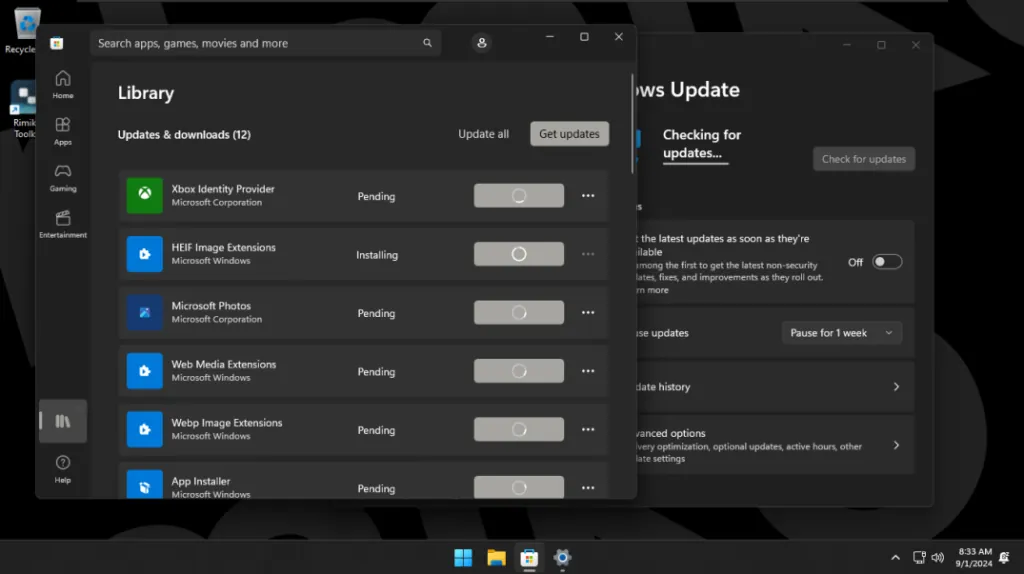
Because Microsoft Edge has been purged from the ISO to conserve resources, you will not have an out-of-the-box browser immediately upon your first boot. To make onboarding effortless, the developers bundled the Rimiko Toolkit:
- Open the Rimiko Toolkit shortcut on your desktop or via the Start Menu.
- Click the Browser Installation section.
- Choose your preferred browser from the catalog (Google Chrome, Brave, Mozilla Firefox, or Microsoft Edge).
- Click install; the toolkit automatically retrieves the official, unadulterated installer and completes the setup.
4. Preparation & Installation Guidelines
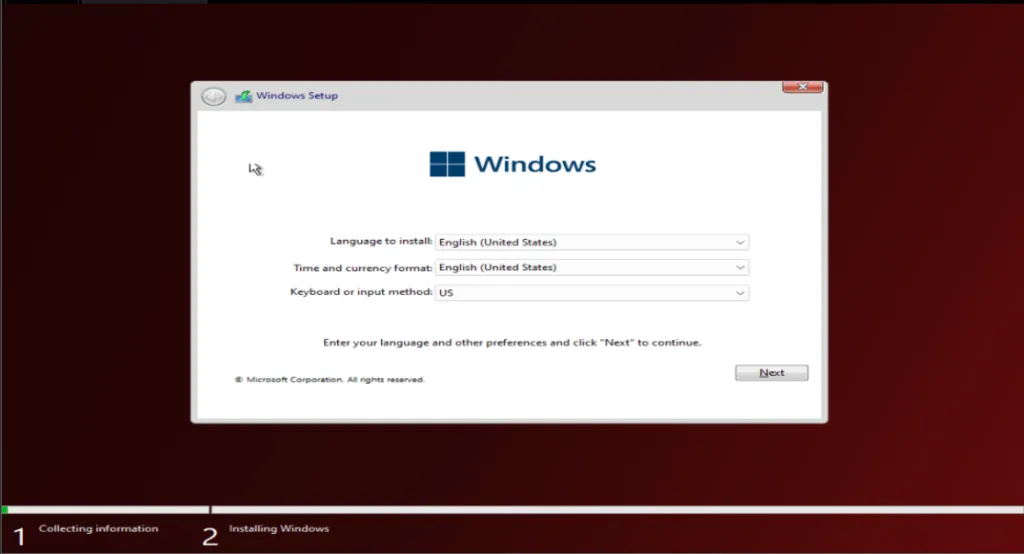
- Do Not Run Setup.exe Directly: This ISO is prepared for offline deployment. Launching
setup.exefrom inside an active Windows environment will throw compatibility errors. - Prepare Network Drivers Ahead of Time: Download your motherboard or laptop Wi-Fi and Ethernet drivers (or an offline driver pack) onto a separate USB drive before formatting.
- Backup Personal Files: Ensure all data from drive C (including Desktop, Documents, and Downloads) is safely backed up to an external drive or cloud storage.
Choose one of the following reliable installation methods:
- Method 1 (Recommended - USB Drive): Write the RimikoOS 11 ISO onto a USB flash drive using Rufus (select GPT partition scheme for modern UEFI systems), then reboot your computer into the Boot Menu.
- Method 2 (No USB Needed): Deploy the ISO directly to your system drive partition using the WinToHDD utility.
5. Download RimikoOS 11 PRO (High Speed Google Drive)
Pick the build that aligns with your preferred balance between raw performance and system security:
rimiko
rimiko
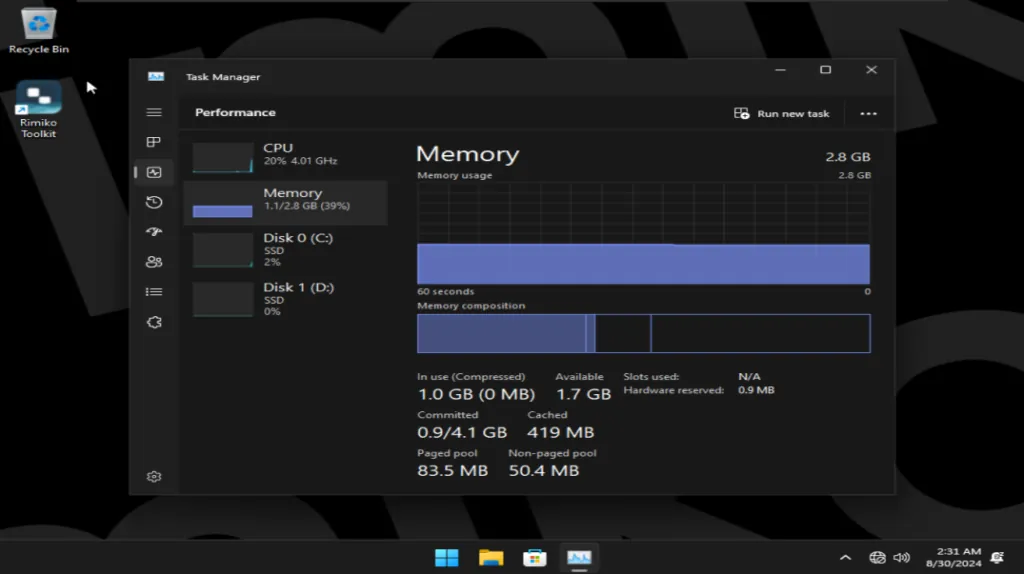
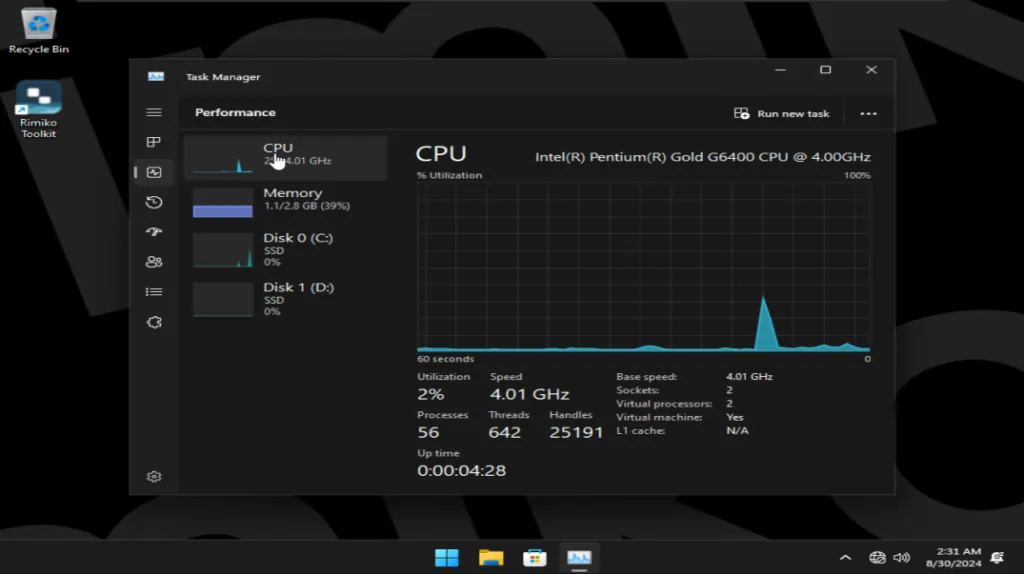
6. Real-World Screenshots of RimikoOS 11 PRO
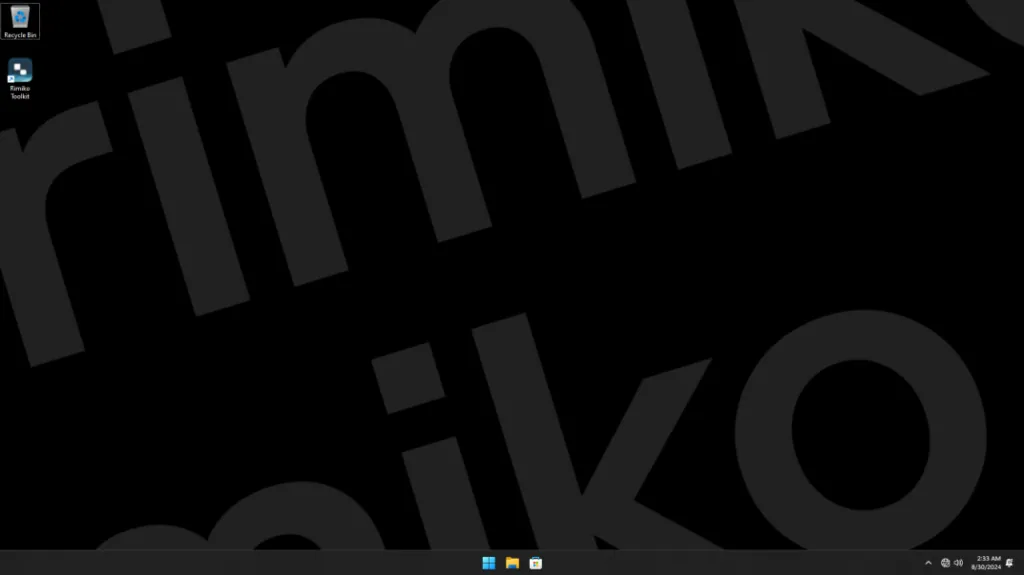
The following screenshots demonstrate the uncluttered visual design, system information, and low idle task counts captured on an active system with hardware drivers loaded:
Related Articles

BrotX Optimizer v7: Rootless Android System Tuning via Shizuku ADB
Guide to rootless Android system tuning with BrotX Optimizer v7 via Shizuku ADB: enable ANGLE Vulkan GPU, 0ms floating window touch, 80% charge protection, and 58 flags.

iOS Debloat Script: Optimize Performance, Battery Life and Gaming FPS on Jailbroken iPhone
Complete guide to perf.sh iOS debloat script disabling 100+ telemetry and background daemons to reclaim RAM, eliminate thermal throttling, and boost gaming FPS.

OOptimize: Android 7-15 Gaming Tweaks (Root & No-Root)
Optimize SurfaceFlinger and GPU Vulkan pipeline on Android 7-15 with OOptimize: stabilize FPS, eliminate frame drops, and minimize touch input latency.

RAM Purger: Stop Background Processes & Boost Android Gaming Like iPhone
Complete guide to the rootless RAM Purger (frozen.sh) shell script terminating 400+ background app tasks to reclaim RAM and eliminate frame drops on Android.
Comments(6)
Sign in to join the conversation
Sign in with Google, Facebook or Email to leave a comment and get notified of replies.
toi uu hoa ncc choi game lag vcl dung i5 6300
em cài bằng wintohdd nó không vào cài đặt đc thì sao ạ
Ủng hộ team mình đi mọi người :3
Peak 🗣🗣