
Franco Kernel Manager: CPU/GPU Overclocking, Live FPS Monitor & Android Optimization Guide

For Android enthusiasts and power users who love fine-tuning hardware, Franco Kernel Manager (FKM) stands as one of the most comprehensive and dependable kernel management toolkits available. The application grants granular control over core hardware components: from CPU/GPU frequency scaling and governor governors to custom display color profiling, automated per-app profiles, and a non-intrusive floating Live Monitor overlay for real-time FPS benchmarking.
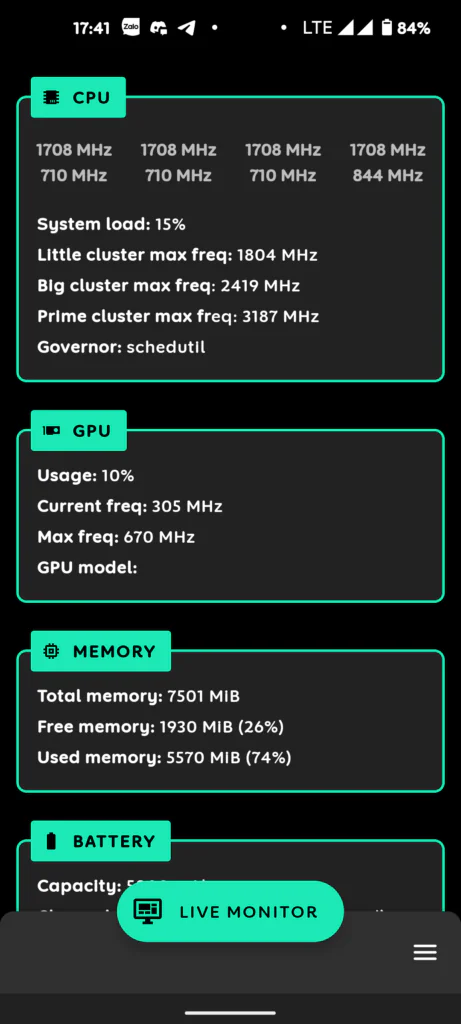
Franco Kernel Manager operates by directly modifying Linux kernel interfaces located under /sys/devices/system/cpu/. Therefore, your Android device must be rooted (via Magisk, KernelSU, or APatch) with Superuser permissions granted to the app.
1. Download Franco Kernel Manager
| File Property | Release Details |
|---|---|
| Package Name | Franco_Kernel_Manager_v6.2.3.zip |
| Version | v6.2.3 (Pro edition with unlocked features) |
| File Size | Approximately 6 MB |
| Compatibility | Android 6.0 and newer (Requires Superuser Root access) |
2. Feature Overview Table
| Core Capability | Practical Functionality |
|---|---|
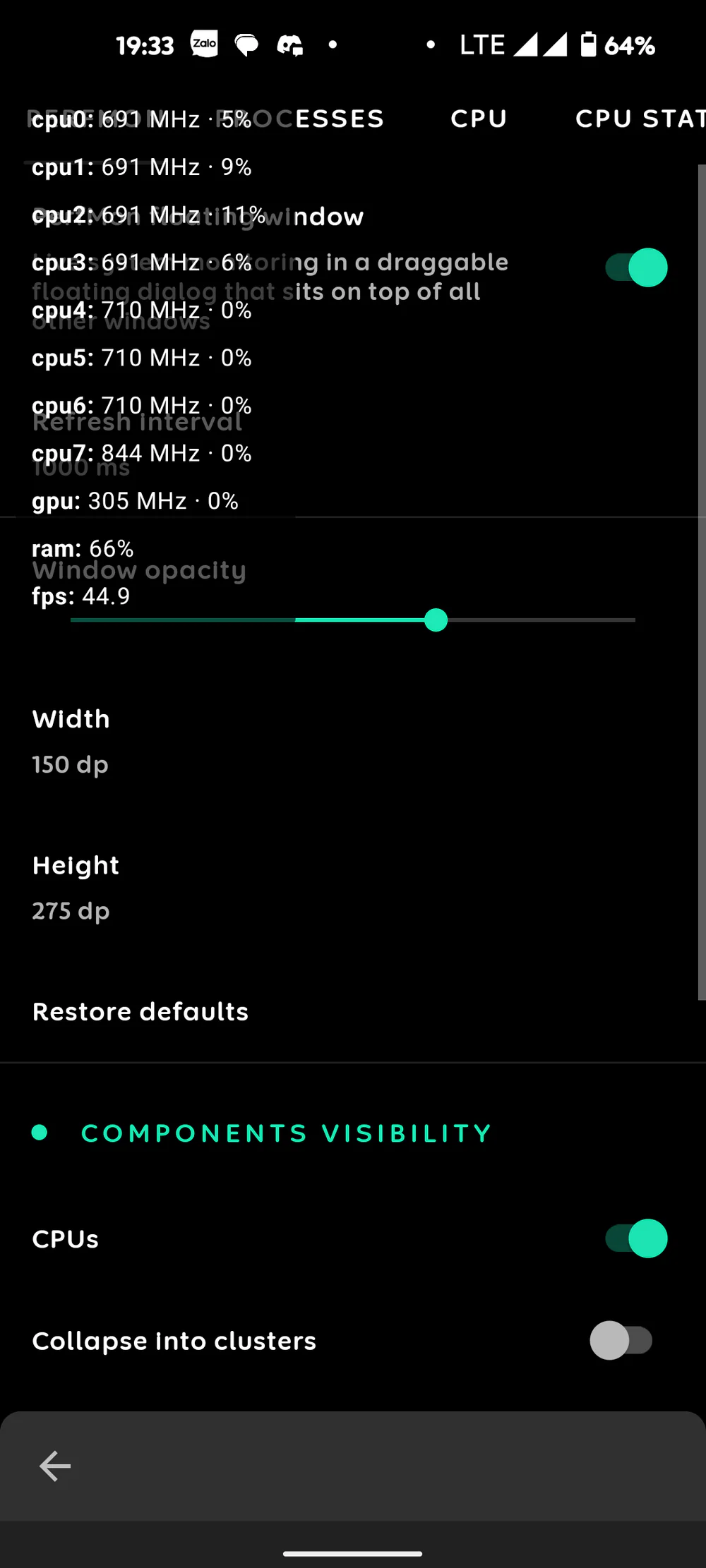
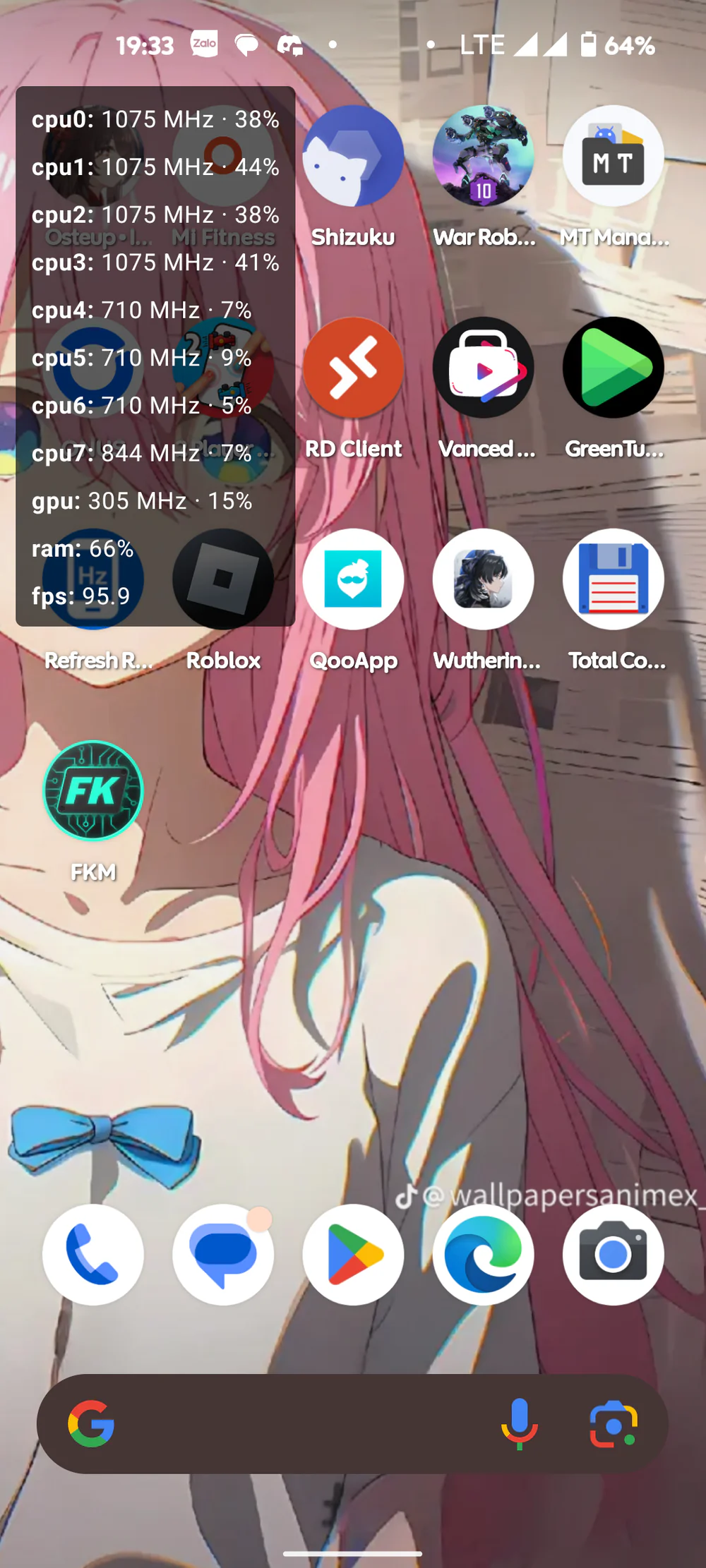
| Live Monitor | Floating screen overlay measuring real-time FPS, CPU/GPU clock frequencies, and temperatures during gameplay. |
| CPU & GPU Tuning | Adjust Minimum and Maximum frequency limits alongside Governor algorithms to balance gaming horsepower and battery endurance. |
| Per-app Profiles | Automatically apply custom hardware states per application (e.g., maximum performance for games, battery saver for video playback). |
| Backups Center | Back up Boot and DTBO partitions directly from the OS to recover instantly from unexpected software hiccups. |
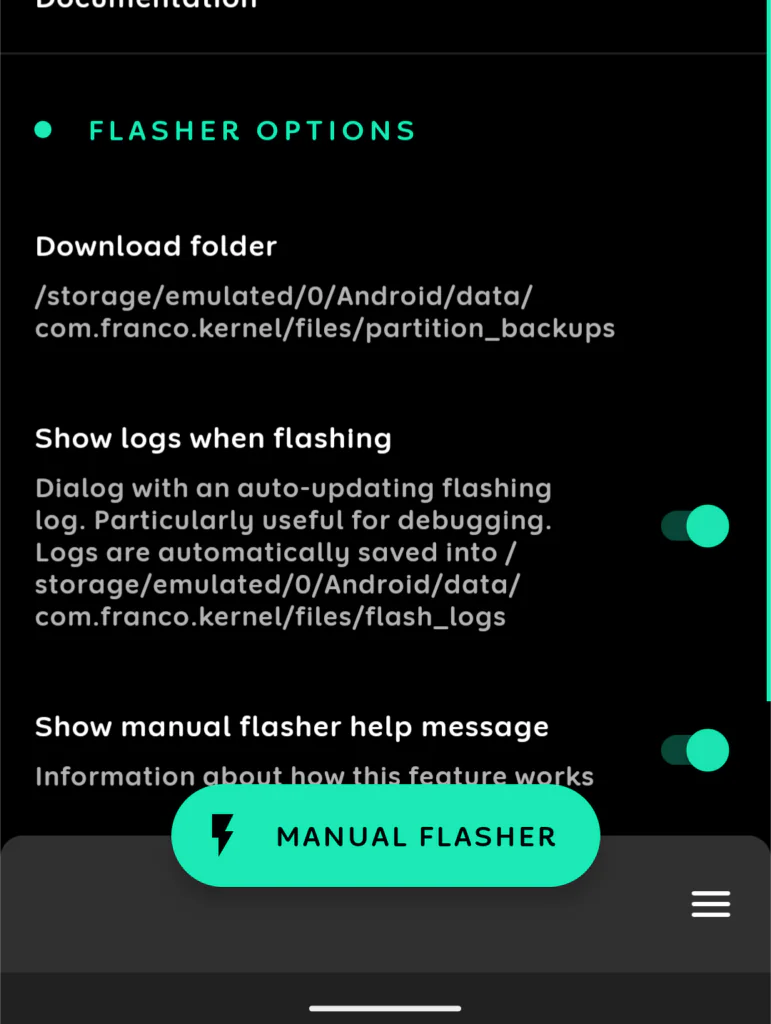
| Kernel Flasher | Flash custom kernels (.zip or .img) directly from storage without booting into custom recovery (TWRP/OrangeFox). |
| Build.prop Editor | Inspect and edit deep Android system properties to enhance RAM management, hardware rendering, and network responsiveness. |
3. Hardware Monitoring & Live FPS Benchmarking
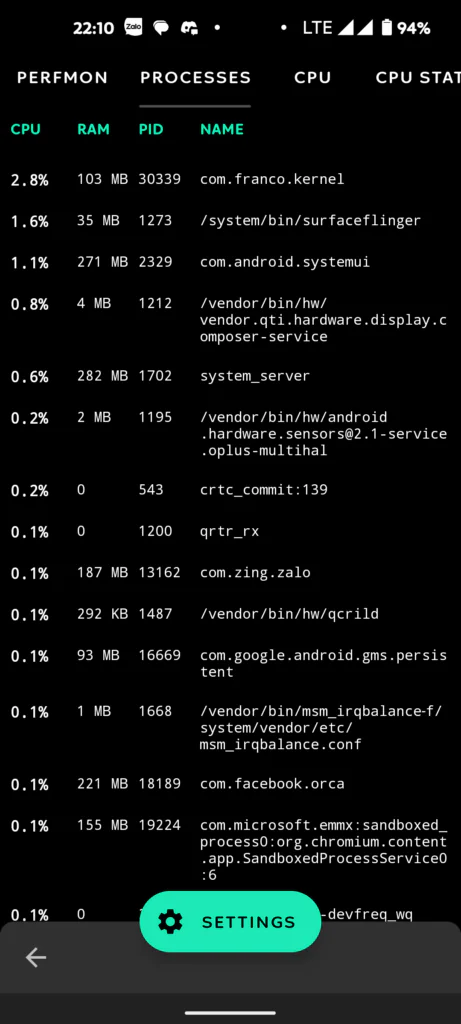
One of the most practical features in FKM is the built-in Live Monitor. It eliminates the need for bulky external capture cards or PC-tethered ADB monitoring, giving you instantaneous performance stats right over your gameplay screen.
4. Partition Backups Before Hardware Tuning
Before applying aggressive overclocks or flashing experimental modules, creating a clean backup of your system's Boot and DTBO partitions is the gold standard for safe Android modification.
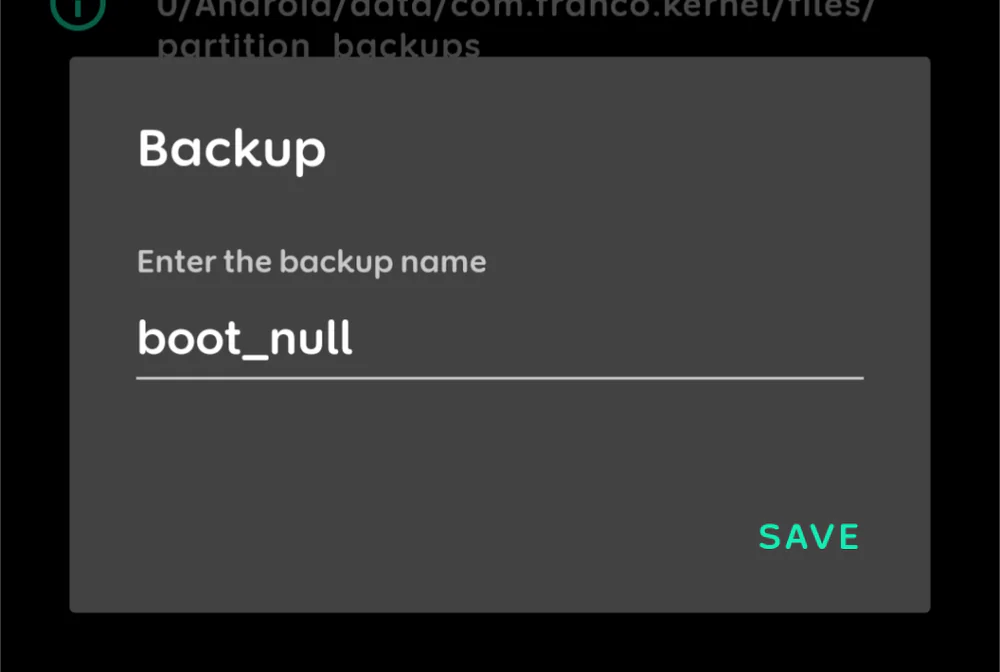
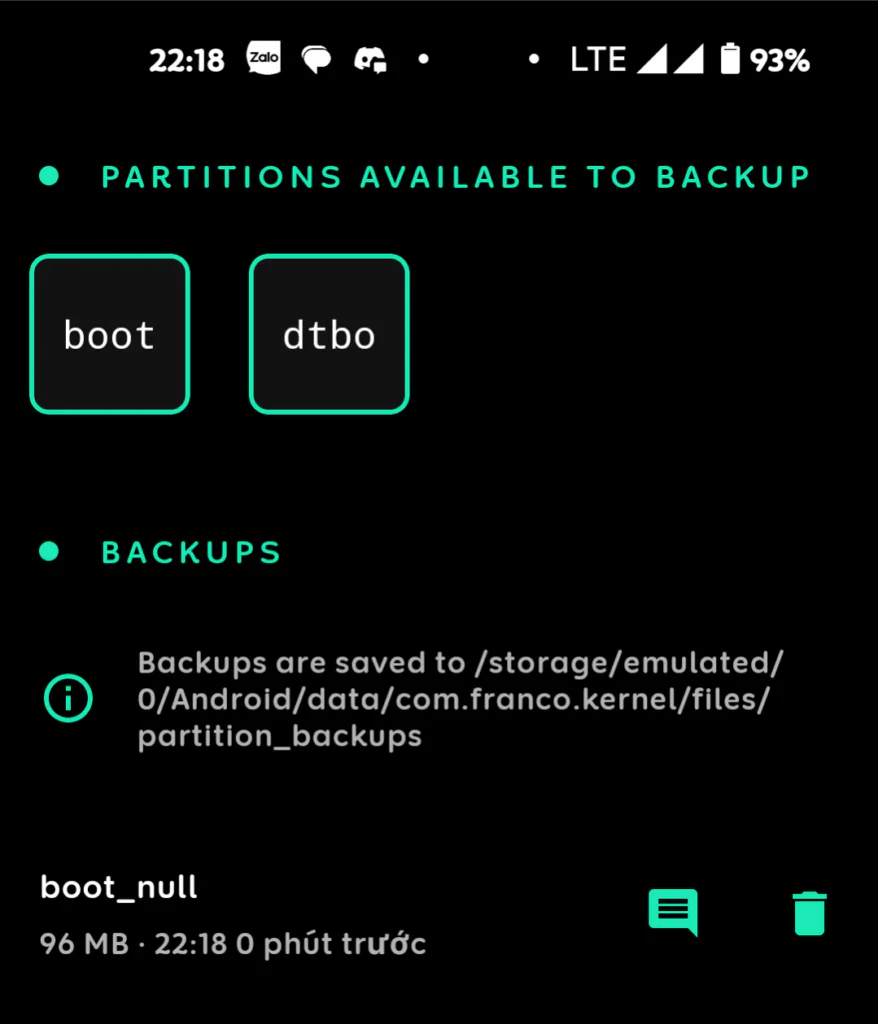
If an aggressive kernel setting triggers a boot loop or instability, you can simply restore your saved Boot image to return the system to its original default state.
5. CPU & GPU Frequency & Governor Tuning
In the CPU & GPU section, you gain direct control over how your device's SoC schedules processing cycles:
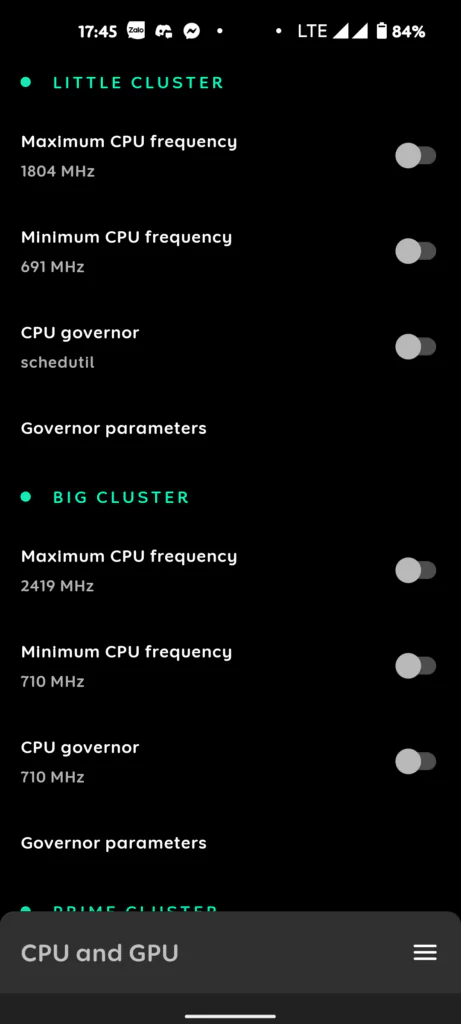
Core Concepts Explained:
- Maximum Frequency: The highest clock rate cores can hit under heavy loads. Setting this to maximum eliminates frame dips during heavy gaming, at the cost of higher power draw and heat.
- Minimum Frequency: The baseline frequency during idle or light tasks. Keeping this low (e.g., 300 - 700 MHz) ensures deep sleep efficiency and minimal battery drain when screen is off.
- CPU / GPU Governors: The scheduling algorithms dictating clock transitions.
performance: Locks clocks at their peak maximum frequency for instantaneous touch and graphics response.schedutil/interactive: Modern adaptive algorithms that scale frequencies dynamically according to actual task load.powersave: Caps frequencies at their lowest supported state, ideal when battery life is critical.
6. Automated Per-app Profiles
The Per-app Profiles feature automatically switches hardware settings based on which application is currently active in the foreground.
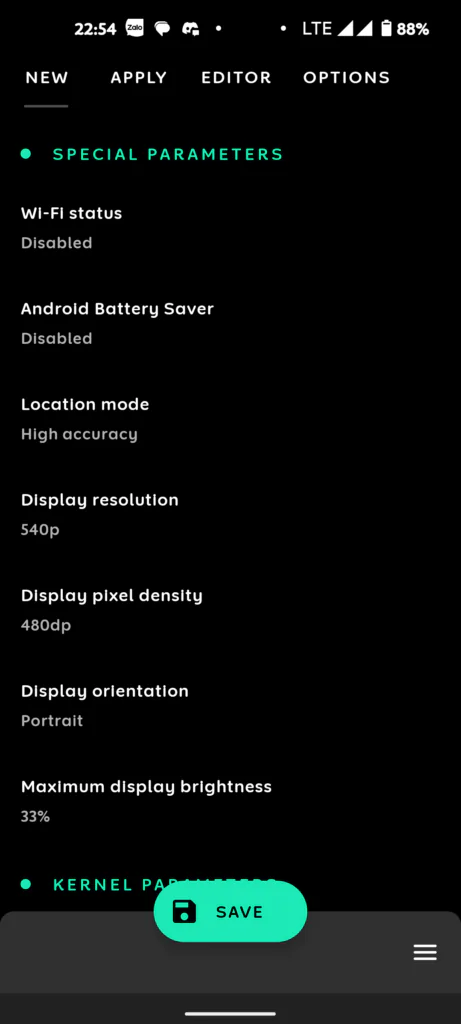
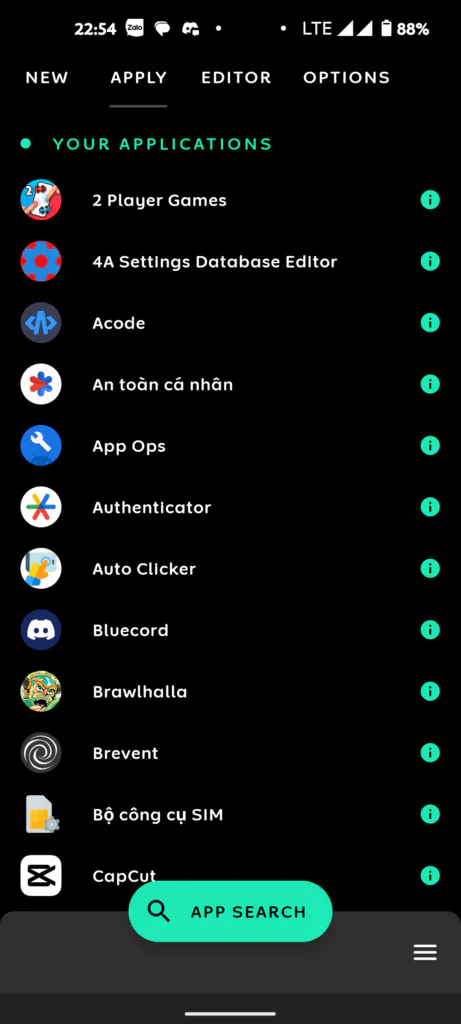
- For Competitive Games (Free Fire, Genshin, PUBG): Set Governor to
performance, unlock maximum CPU/GPU frequencies, and optionally scale resolution to 85-90% for sustained FPS stability. - For Daily Media Apps (YouTube, Netflix, Social Media): Set Governor to
schedutilorpowersave, limit maximum clock frequencies to 70%, and keep device temperatures cool.
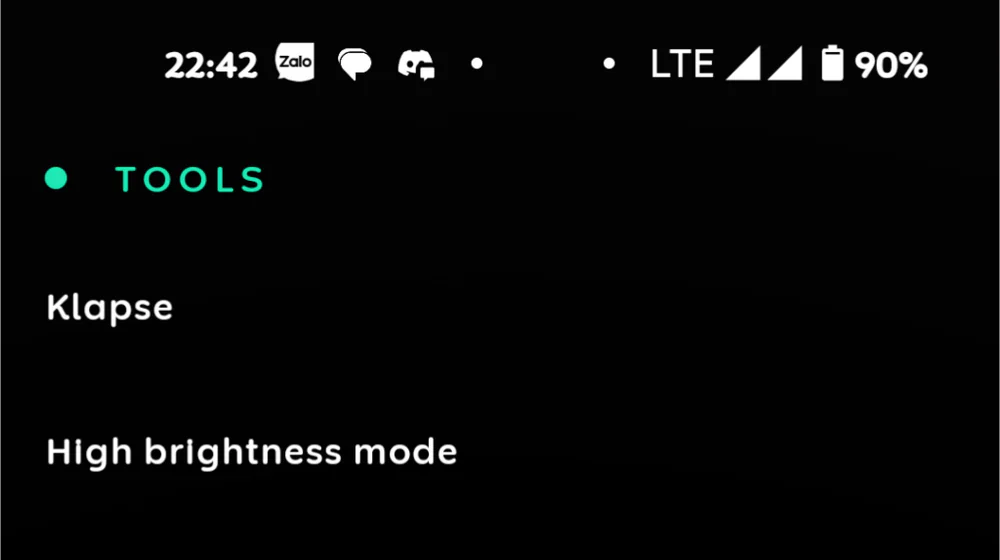
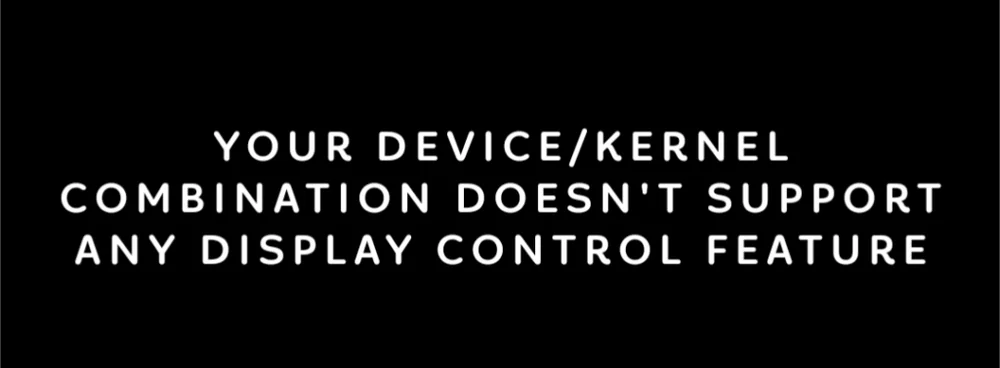
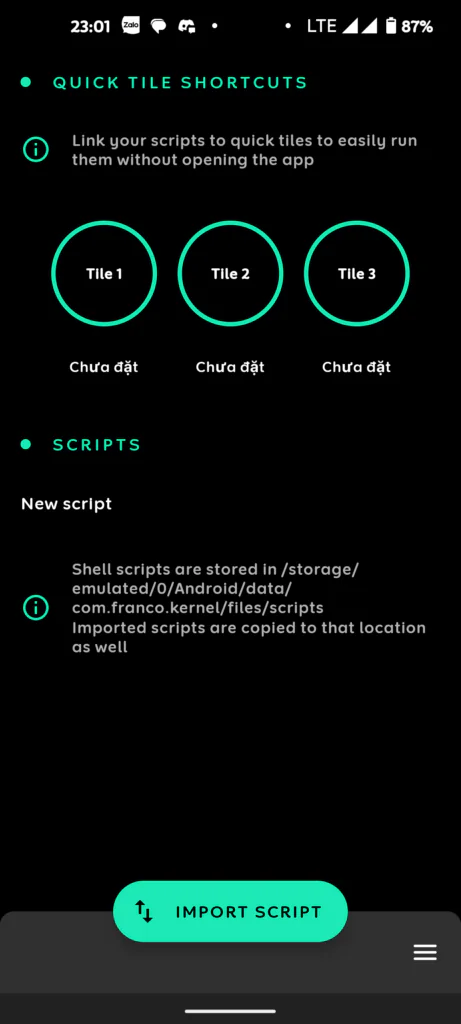
7. Display Management & Script Automation
8. Curated Build.prop System Tweaks
The integrated Build.prop Editor lets you edit system properties cleanly. Here are verified tweaks that improve daily performance and responsiveness:
1. Keep the launcher and active app prioritized in RAM:
ro.HOME_APP_ADJ=12. Force UI composition rendering onto the GPU:
debug.sf.hw=1debug.performance.tuning=1video.accelerate.hw=1debug.egl.hw=1debug.composition.type=gpu3. Optimize TCP network buffers for lower ping and stable WiFi connections:
net.tcp.buffersize.default=4096,87380,256960,4096,16384,256960net.tcp.buffersize.wifi=4096,87380,256960,4096,16384,2569604. Enhance touch response and UI fling scroll velocity:
windowsmgr.max_events_per_sec=150ro.min_pointer_dur=8ro.max.fling_velocity=12000ro.min.fling_velocity=80005. Disable redundant crash logging to free background CPU cycles:
profiler.force_disable_err_rpt=1profiler.force_disable_ulog=1logcat.live=disablero.kernel.android.checkjni=0ro.kernel.checkjni=06. Enable deep sleep power collapse when the display turns off:
ro.ril.power_collapse=1pm.sleep_mode=1wifi.supplicant_scan_interval=1809. Frequently Asked Questions (FAQ)
Can I use Franco Kernel Manager without rooting my phone?
No. Kernel-level modifications including CPU/GPU clock regulation, governor switching, partition flashing, and build.prop editing strictly require Root access. For unrooted devices, explore rootless optimization alternatives such as Brevent or Shizuku on the Osteup website.
Why do clock speeds throttle down even when set to Maximum Frequency?
This is caused by Thermal Throttling, an autonomous hardware safety mechanism engineered into mobile SoCs. When internal temperatures exceed thermal limits (typically 45°C - 50°C), hardware controllers automatically scale back frequencies to protect internal circuitry and lithium batteries. Using a thermoelectric cooler or gaming in cooler environments will maintain peak clocks longer.
How do I create a shell script (.sh) for the Import Script feature?
Using any text editor or file manager (such as MT Manager), create a new file ending with the .sh extension (for instance, boost.sh), write your shell commands, then navigate to the Import Script section in FKM to select the file and enable auto-run on boot.
Can incorrect settings permanently damage my smartphone?
Volatile kernel settings revert automatically upon a standard device reboot. If a setting causes instability or a temporary system freeze, holding down the power button to reboot the phone restores default behavior. Moreover, the Backups Center ensures you always have clean Boot and DTBO images ready to restore.
Franco Kernel Manager unlocks the true hardware potential of your rooted Android device. Take advantage of automated per-app profiles and regular partition backups to enjoy peak frame rates while keeping temperatures completely under control!
Related Articles

BrotX Optimizer v7: Rootless Android System Tuning via Shizuku ADB
Guide to rootless Android system tuning with BrotX Optimizer v7 via Shizuku ADB: enable ANGLE Vulkan GPU, 0ms floating window touch, 80% charge protection, and 58 flags.

OOptimize: Android 7-15 Gaming Tweaks (Root & No-Root)
Optimize SurfaceFlinger and GPU Vulkan pipeline on Android 7-15 with OOptimize: stabilize FPS, eliminate frame drops, and minimize touch input latency.

RAM Purger: Stop Background Processes & Boost Android Gaming Like iPhone
Complete guide to the rootless RAM Purger (frozen.sh) shell script terminating 400+ background app tasks to reclaim RAM and eliminate frame drops on Android.

How to Lower Screen Resolution on Android for Maximum Gaming FPS
Step-by-step guide to downscale Android screen resolution without root: cut GPU load by up to 50%, prevent thermal throttling, and boost gaming FPS.
Comments(6)
Sign in to join the conversation
Sign in with Google, Facebook or Email to leave a comment and get notified of replies.
Sao k tắt được nhân cpu, chỉnh max cpu khi nóng tý tự động hạ xung lại
Làm sao để tạo ra file sh script vậy ông?
Ngon lắm nha, cải thiện fps lên đáng kể, ít ăn pin và máy mát k có nóng như trước. Mong bạn sẽ chia sẻ nhiều thứ hay ho hơn. Ps: mình đăng ký bạn r đó 🤩
Ai thắc mắc gì thì cứ hỏi nhennn
Ok luoon