
Potato 10 Pro AIO (Ghost Spectre Modded): Ultra-Light Windows 10 for Low-End PCs

For budget desktop rigs and older laptops equipped with modest hardware (2GB to 4GB of RAM, legacy dual-core processors, or mechanical HDDs), running a stock installation of Windows 10 loaded with background telemetry often results in sluggish system response and frequent 100% disk usage spikes. Potato 10 Pro AIO is a heavily streamlined custom Windows 10 ISO modified from the established Ghost Spectre Superlite foundation (remade by developer Lunar). It strips away non-essential system bloat to maximize responsiveness on low-end hardware or lightweight virtual machines.
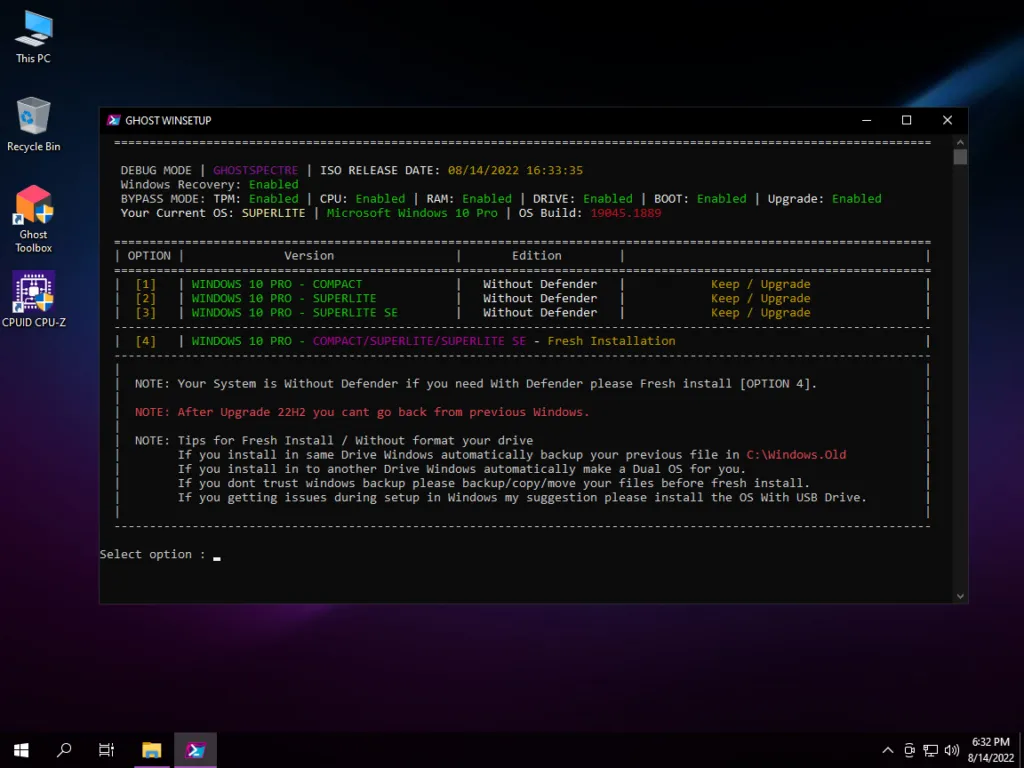
- Mod Architecture: Based on Ghost Spectre Superlite (OS Build 1904X.4170), stripped down to run with an idle memory footprint between 600MB and 900MB.
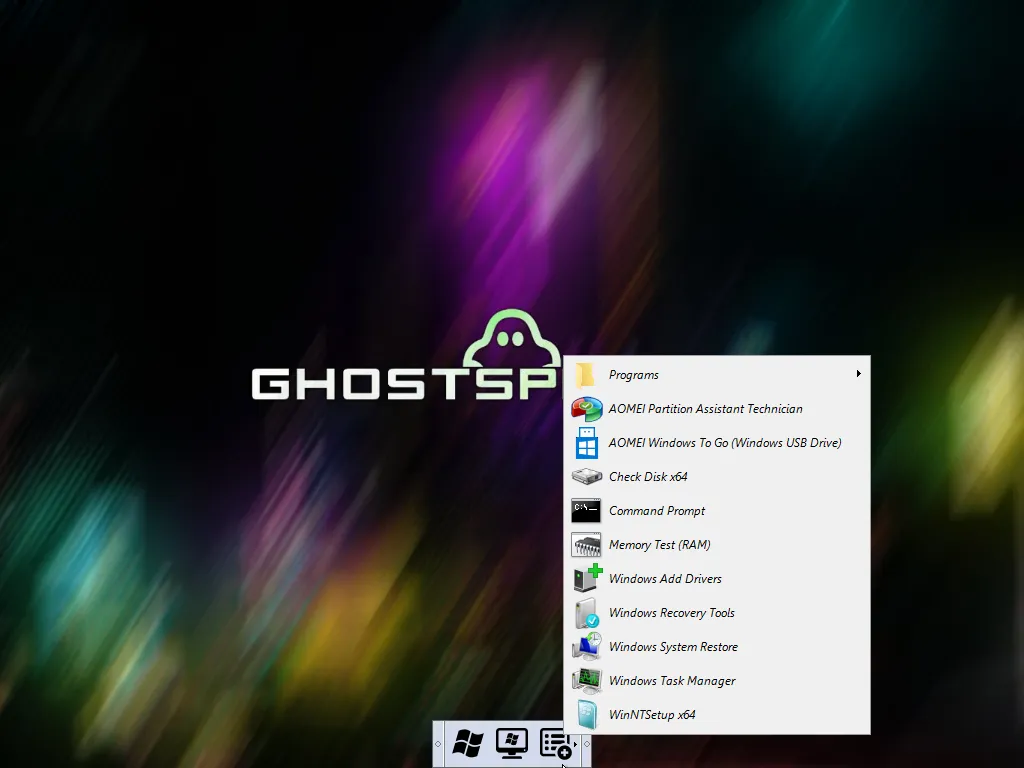
- Integrated Utilities: Pre-packaged with .NET Framework 4.8, a custom WPE Bootable rescue environment, and the Ghost Toolbox script to easily toggle components like the Microsoft Store.
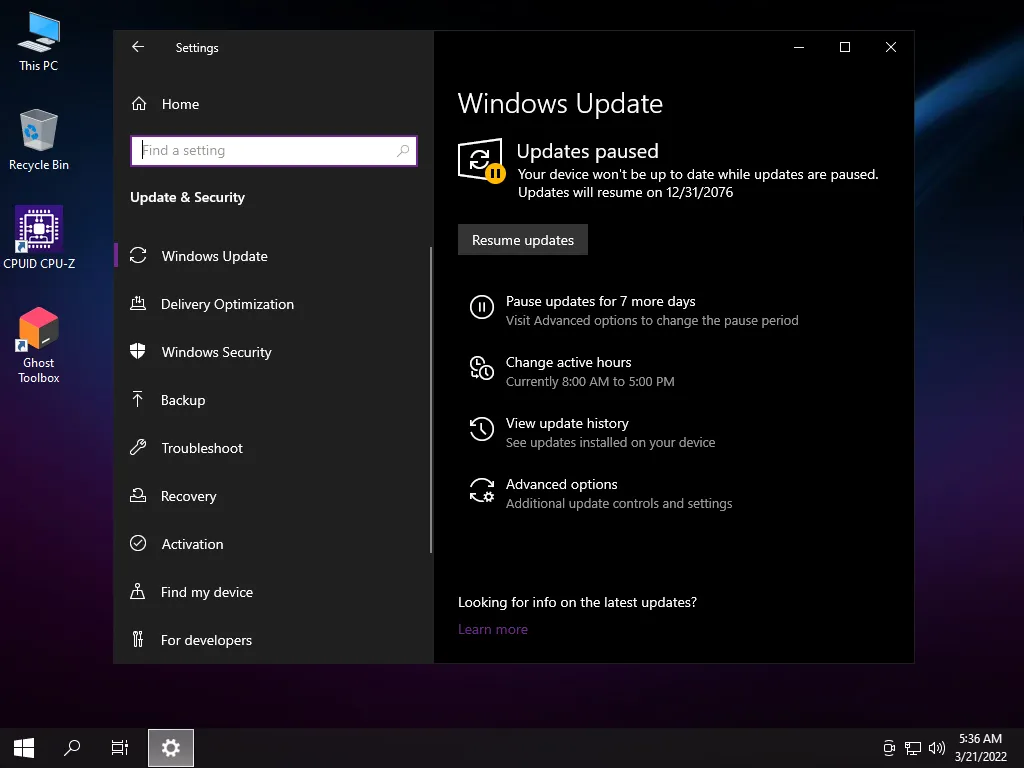
- Security Compromises: Stripped of Windows Defender, SmartScreen, and background telemetry, with Windows Update paused by default. Best suited for retro gaming, testing labs, or offline PCs.
- Operational Warning: Not recommended for primary workstations handling financial transactions, company databases, or sensitive personal credentials due to the absence of active security definitions.
1. Technical Specifications and Edition Details
This all-in-one ISO brings together several iterations of Windows 10 under a unified installer, giving users flexible choices during setup:
| Specification | Configuration Detail | Operational Notes |
|---|---|---|
| Base Operating System | Windows 10 Pro (2004 / 20H2 / 21H1 / 21H2 / 22H2) | Tested on stable OS Build 1904X.4170 |
| Architecture & Language | 64-bit (x64) | English (en-US default) | Additional display language packs installable via settings |
| ISO Image Size | Approximately 3.9 GB | Compressed for efficient USB creation |
| Runtimes Included | .NET Framework 4.8 & Visual C++ Runtimes | Ready for immediate gaming and legacy productivity tools |
| Management Suite | Ghost Toolbox & WPE Custom Bootable | One-click toggles for browsers, Store, and runtime packs |
2. Download the Potato 10 Pro AIO ISO Image
Download the verified installation ISO directly via the high-speed Google Drive repository below:
Download Potato 10 Pro AIO Superlite (Modded ISO)
Stripped and optimized Windows 10 operating system for low-end hardware
osteup
3. Pre-Installation Checklist & Driver Readiness
Because lightweight modified operating systems remove excess driver repositories and automatic update routines, preparing your environment beforehand avoids connectivity roadblocks:
- Prepare Offline Network Drivers: Download standalone LAN and Wi-Fi drivers (such as 3DP Net or your manufacturer's network package) and store them on a secondary drive or separate USB flash drive. This guarantees you can establish an Internet connection immediately after installation.
- Back Up System Drive (C:): A clean installation will reformat the target partition, permanently wiping the Desktop, Downloads, and Documents directories.
- Create Bootable Media: Use Rufus or Ventoy with a USB flash drive of at least 8GB. Select GPT (UEFI) for modern motherboards or MBR (Legacy BIOS) for older systems.
4. Performance Advantages vs. Operational Limitations
| Key Advantages | Important Limitations |
|---|---|
|
|
5. Desktop Interface & Resource Monitoring
The screenshots below demonstrate the lightweight resource profile and clean environment after completing setup:
| Clean Desktop Interface | Winver & Ghost Toolbox Details | Task Manager Idle RAM Usage |
|---|---|---|
|
|
|
6. Post-Installation Configuration & Service Restoration
Should you need to restore printing capabilities or re-add the app store, follow these straightforward procedures:
- Reinstalling Microsoft Store: Launch the Ghost Toolbox shortcut located on your Desktop, navigate to the Windows Store menu, and allow the script to deploy the official app store packages.
- Enabling Printing Services: Press
Windows + R, typeservices.msc, and hit Enter. Locate Print Spooler, open its Properties, set the Startup type to Automatic, and click Start. - Safe Browsing Habits: Because built-in antimalware is stripped, install a modern browser equipped with a verified ad-blocker, and avoid executing untrusted third-party binaries.
Related Articles

RimikoOS 11 PRO: Lightweight Windows 11 Lite OS for Low-End PCs & Gaming
Download RimikoOS 11 PRO (Build 22631.4112 23H2), a debloated Windows 11 Lite ISO with no telemetry, removed Edge, and optimized RAM for low-end gaming PCs.

How to Use Windows MSRT (Malicious Software Removal Tool)
Learn how to launch Microsoft Malicious Software Removal Tool (MSRT) using the mrt command to scan and remove worms, trojans, and malicious software on Windows 10/11.

Essential CMD & PowerShell Commands to Boost Windows 10/11 Performance
Master native Windows terminal tweaks: disable CPU-heavy RAM compression, unlock Ultimate Performance power scheme, and minimize gaming input latency.

Windows BCDEdit Optimization: Tweaks for Latency and FPS Stability
Learn how to configure Windows BCD store via elevated Command Prompt to optimize system timers, reduce DPC latency, and stabilize frame pacing in games.
Comments(12)
Sign in to join the conversation
Sign in with Google, Facebook or Email to leave a comment and get notified of replies.
Vip quá admin ơi, em cài xong mượt lắm, cài win tầm 10 đến 12gb thôi (siêu nhẹ), Ram ăn tầm khoảng cỡ 700 đến 800mb. ————————THANKS ADMIN——————————–
nen chon Version nao on nhat cho gaming a
Mấy cái win10 version thì chọn cái nào h
Nó đòi pass mà k bt pass là j
sài mượt vãi mỗi tội ko vô đc cyberpunk 2077
của mình khi cài bị lỗi ad ơi lỗi khi ấn để bắt đầu cài . . .
Best Thumbnail I Ever Seen